Business challenge
Dive was a modular call-center platform used by banks, insurers, and utility providers across Central Europe. It had been in production since 2018 and grown to more than 30 modules, but customers struggled with steep onboarding, fragmented workflows, and an outdated interface. Just to create one ticket, agents often had to dig through hidden settings, change their status by hand, and jump between several screens.
New agents took months to get productive, which slowed the whole team. Support was buried in UI-related tickets, and supervisors had little visibility into performance and SLAs. Our goal was to help agents finish tasks faster, cut UI support tickets, and give managers real-time insight into the team.
If we strip the product down to what people actually use and give them a guided, consistent experience, we'll dramatically cut onboarding friction and boost productivity.
— M., Product Manager, Client
Understanding the User
Research approach
I ran a mixed-methods study: a survey of 139 agents and admins, 9 in-depth interviews, and 4 journey-mapping workshops. The goal was simple: find where the system slows people down and what they actually need day to day.
Key user groups

- 80% of users
- 30 y.o., 2 years of experience
- Goal
- Solve customer problems quickly without system friction
- Key Pain
- Too many fields, I don't know what is important

- 20% of users
- 25 y.o., 4 years of experience
- Goal
- Configure system and monitor team efficiently
- Key Pain
- I do not understand the system logic
Top insights from research
- Too much jumping between screens
- Agents have to switch between 5+ modules for one task
- Hard to learn without help
- After months I noticed the copy option — feature discovery fail
- Manual work everywhere
- Agents manually enter data the system already has
- No real-time visibility
- Supervisors can't see who needs help NOW
User journey maps
We mapped 4 critical workflows to find friction points and opportunities.
1. Inbound Communication Flow
Petar, Agent: From receiving call to closing ticket
- Main problems
-
- Agent forgets to change status manually
- No customer context when the call arrives
- Must search across 5+ screens during an active call
- What we can improve
-
- Auto-update agent status based on activity
- Show unified customer view with history, open tickets, and recent communication
- Add a contextual knowledge base inside the call interface
2. Supervision and System Management
Ana, Admin: From initial setup to performance analysis
- Main problems
-
- Settings scattered across modules without clear connections
- Cannot see which agents need help in real-time
- Must wait for vendor support for basic changes
- What we can improve
-
- Create unified configuration hub where all related settings live together
- Build real-time monitoring dashboard with alerts
- Add templates and cloning for quick setup
3. Ticket Management
Petar, Agent: From ticket creation to resolution
- Main problems
-
- Not sure which fields are required vs optional
- Have to manually enter data that's already in the communication
- Afraid of missing critical information
- What we can improve
-
- Auto-populate ticket fields from communication context
- Add smart categorization based on conversation content
- Show completion checklist so agents know they're done
4. Agent Help Request and Supervisor Response
Petar and Ana: From problem recognition to resolution with learning
- Main problems
-
- No integrated 'Request Help' button in the interface
- Supervisor doesn't see the request in real-time
- Agent has to explain the context all over again
- What we can improve
-
- Add contextual help button that shares current screen and ticket info
- Send priority alerts to supervisors when agents need help
- Enable shared view mode so supervisor sees what agent sees
See the full inbound journey map
Voice of users
Petar, Agent
"When first I saw these fields, that was like: what I am going to do? It takes time for me to fill in all these fields. My main job is to help clients."
Main conflict
- Petar wants to help customers quickly, but the system is too complex and slows him down
- He needs clear guidance, but the interface does not explain what to do next
- Fears supervisor will judge delays
Ana, Supervisor
"There are some parts that could be easier to understand. It is not user friendly. Sometimes we do not understand what possibly means what."
Main conflict
- The system covers almost all needs, but it still takes months to discover some basic features.
- She wants to react to agents quickly, yet she has to switch between several programs all the time.
- She would like to change settings on her own, but often has to wait for vendor support.
Affinity: pattern analysis
Research notes synthesized into 4 primary action clusters.
1. Too many screens and unclear structure
Users have to jump between modules to finish one task. Settings are scattered, and it's not obvious how modules depend on each other.
What we did
- Grouped related functions by real user tasks, not by technical structure
- Created a unified configuration hub where all related settings live together
- Added short tooltips that explain what each setting affects
- Reduced the number of clicks to key actions like ticket creation and status change
Result: 45% faster task completion.
2. Too much manual work
Agents have to re-enter data that already exists in the system. Admins recreate similar configurations again and again.
What we did
- Built smart search with auto-fill from customer context
- Added templates and cloning for configurations
- Created completion checklist so agents know they're done
- Enabled bulk operations for common admin tasks
3. Hard to learn without help
The system has lots of features, but new users take months to learn them. Even experienced users discover important features by accident.
What we did
- Created step-by-step wizards for key tasks like first call and ticket creation
- Added contextual tooltips that explain why each setting matters
- Built searchable help center inside the app
- Added discovery hints when users do things manually that could be automated
4. No real-time visibility
Agents can't see queue status or their own stats. Supervisors piece together the picture from different modules, which delays responses.
What we did
- Built role-based dashboards: Agent Home shows my queue and tickets, Supervisor Home shows team KPIs and alerts
- Added persistent status bar that shows agent availability and updates automatically
- Created unified view that combines communication, ticket, and customer history on one screen
- Implemented priority notifications for supervisors when agents need help or SLA is at risk
See the full affinity diagram with research notes
Our plan
Quick wins
0-6 months- Add tooltips and contextual help in key flows
- Create guided flows for inbound calls and ticket creation
- Redesign agent and supervisor dashboards with real-time data
Medium-term
6-12 months- Smart form auto-fill and status automation
- Templates and cloning for complex configurations
- Visualize connections between skills, tickets, and IVR
Long-term
12+ months- Explore predictive analytics for queues and staffing
- Personalized training based on agent performance
- Improve mobile access for supervisors
What happened
Next- We ran usability tests with agents and admins on prototypes that addressed the top pain points
- Aligned with product and operations leaders on impact vs. feasibility
- Started shipping in cycles, beginning with high-impact items like contextual help, quick-start flows, and unified dashboards
- Established baselines for handle time, time-to-proficiency, configuration accuracy, and agent satisfaction
Design challenge
The main challenge was to unify the interface across 30+ modules without breaking existing integrations. We had to figure out which modules agents actually use every day, simplify onboarding, and build a design system that worked for the whole product family.
We also had to translate both the survey data and the journey maps into concrete UI patterns and roadmap items. The tricky part was designing for two very different audiences: agents who need fast, guided flows under time pressure, and admins who need full control and a clear view of how the system works.
Story
As the UI designer and researcher on the project, I turned the study into direction. It surfaced the 7 modules agents used most and the biggest points of friction in the existing workflow. Most users were young and tech-savvy and leaned on a handful of modules, but the UI still pushed them through needless theme tweaks, manual status changes, and disjointed ticket creation.
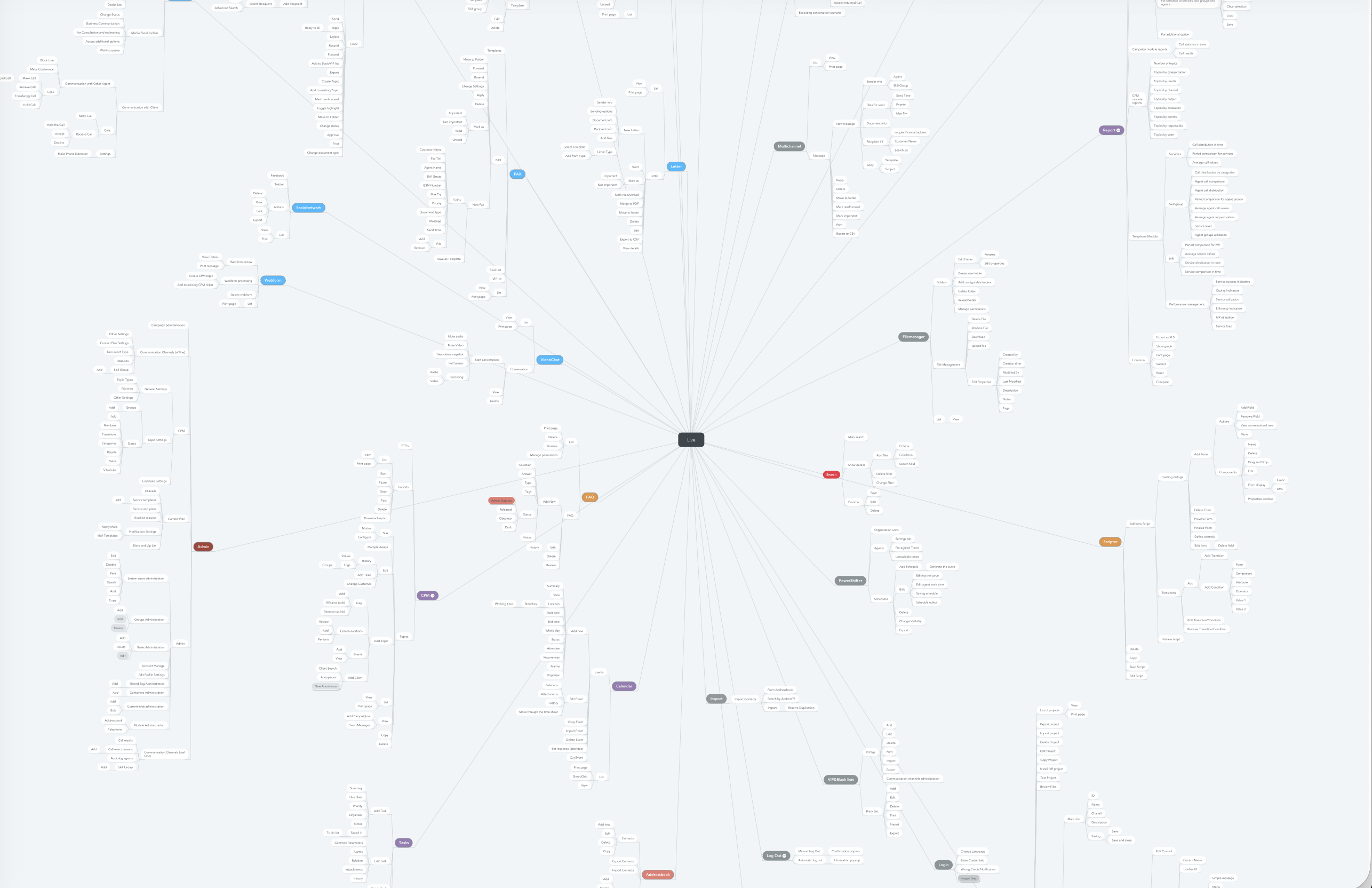
I turned the findings into a clear product roadmap and prioritised the seven high-impact modules for the MVP. The components I built went into the shared React library, so they were reusable across the whole Dive suite.
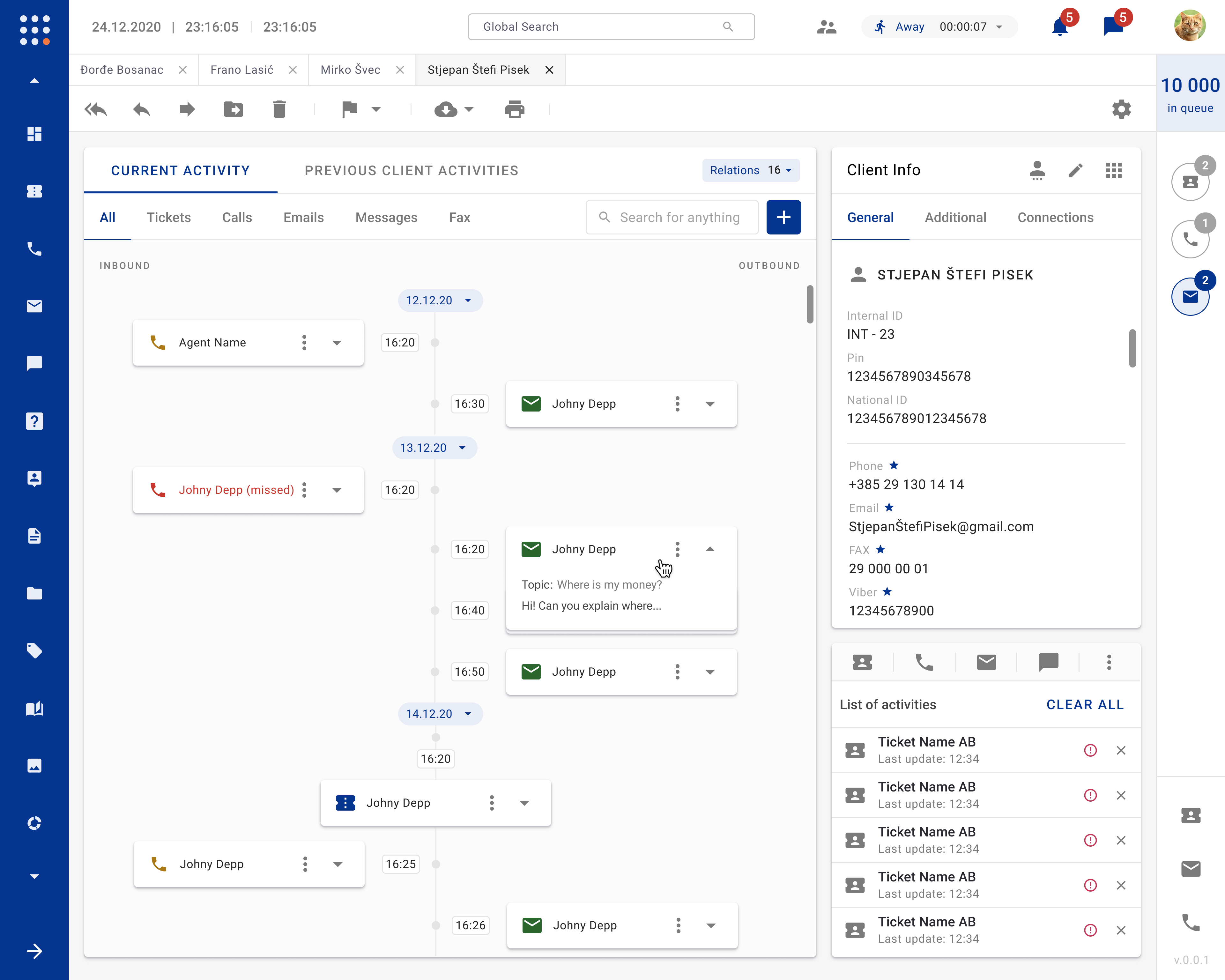
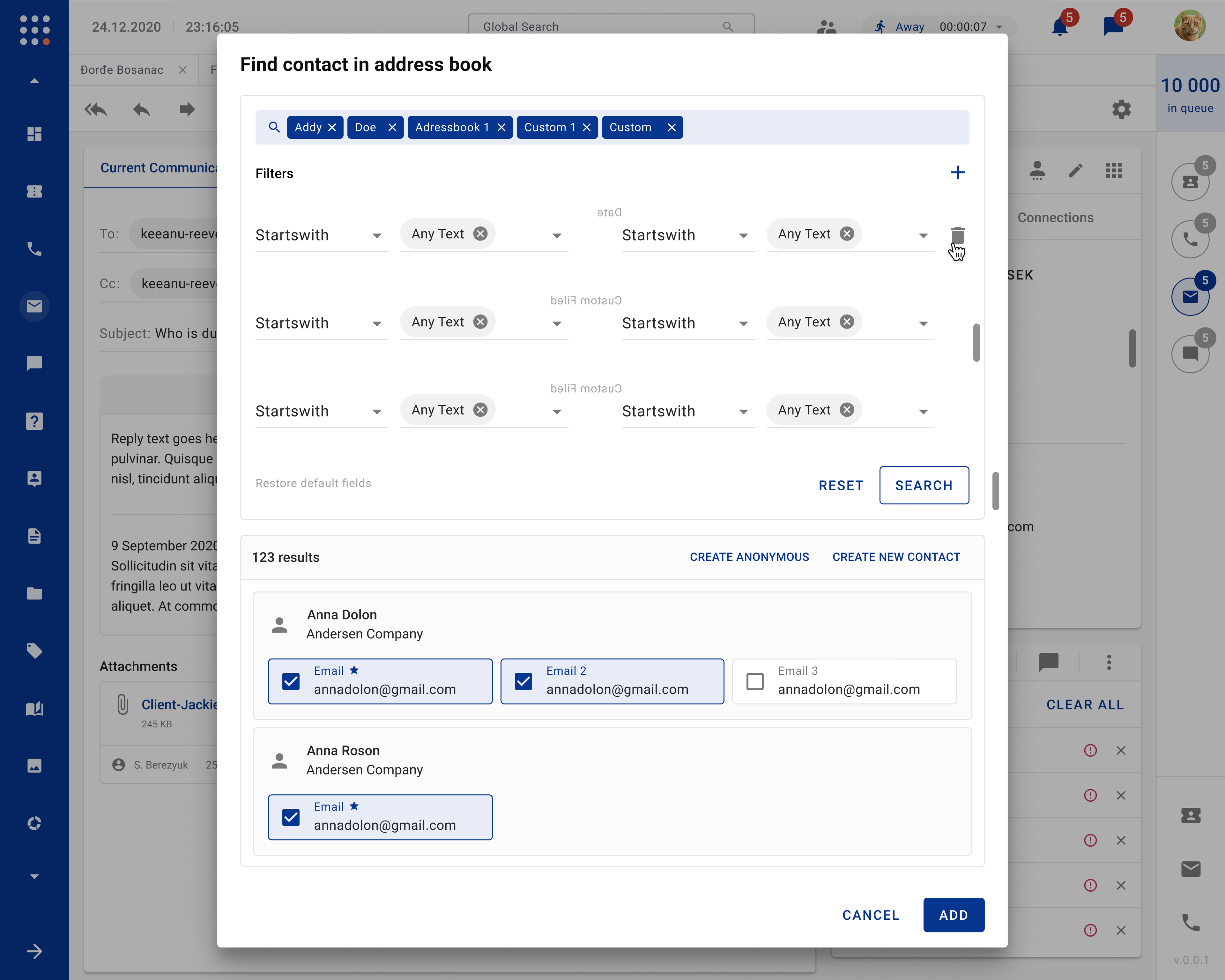
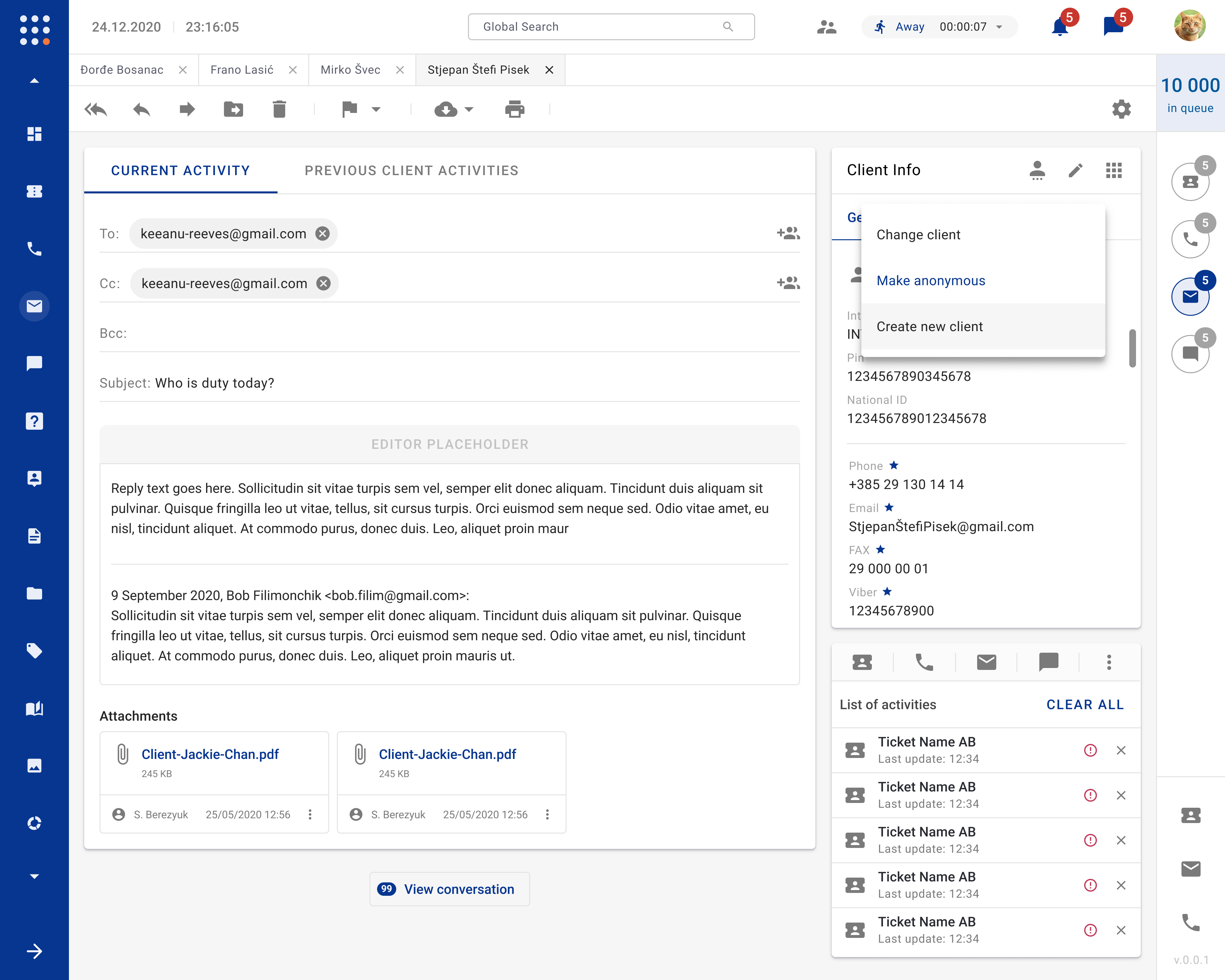
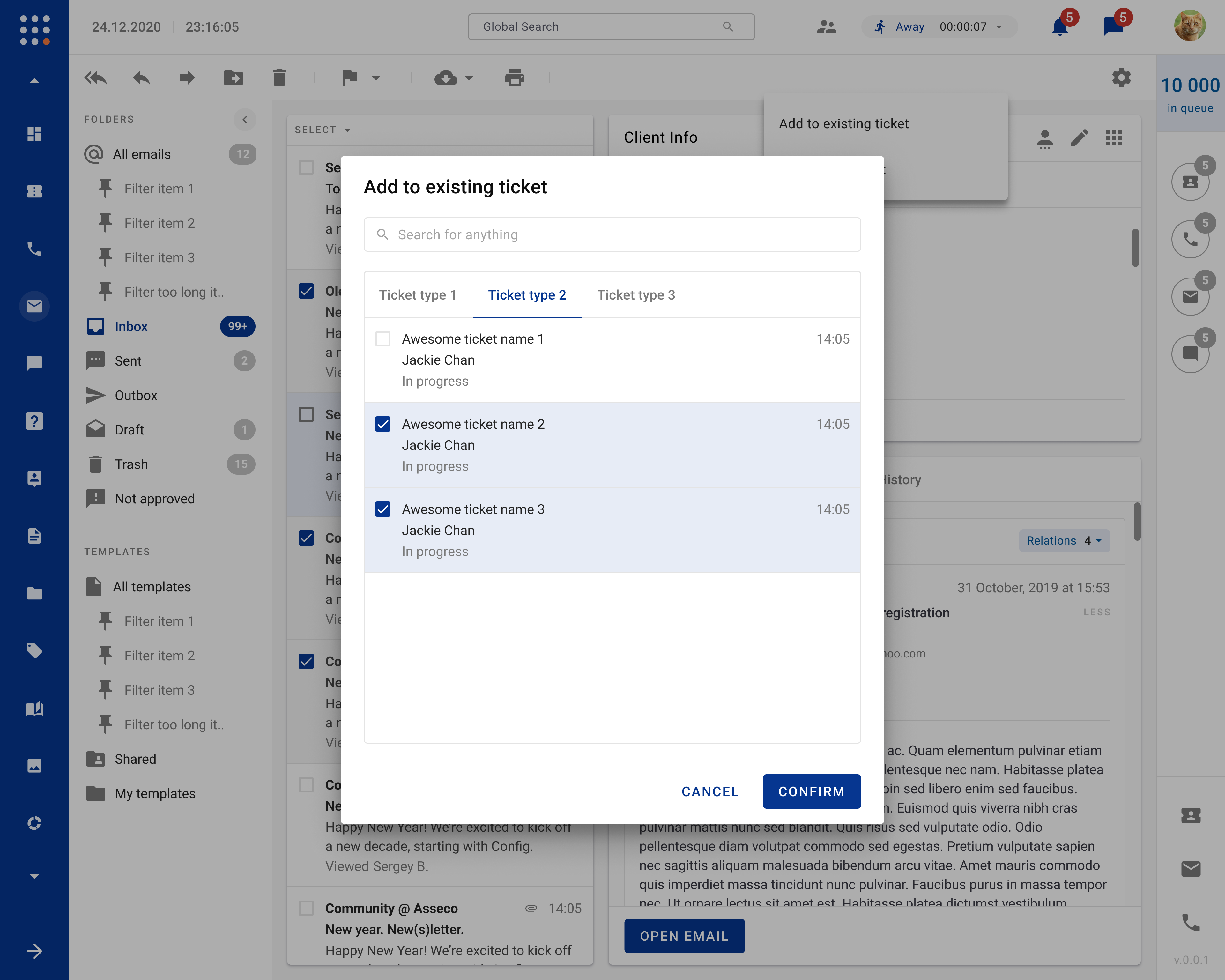
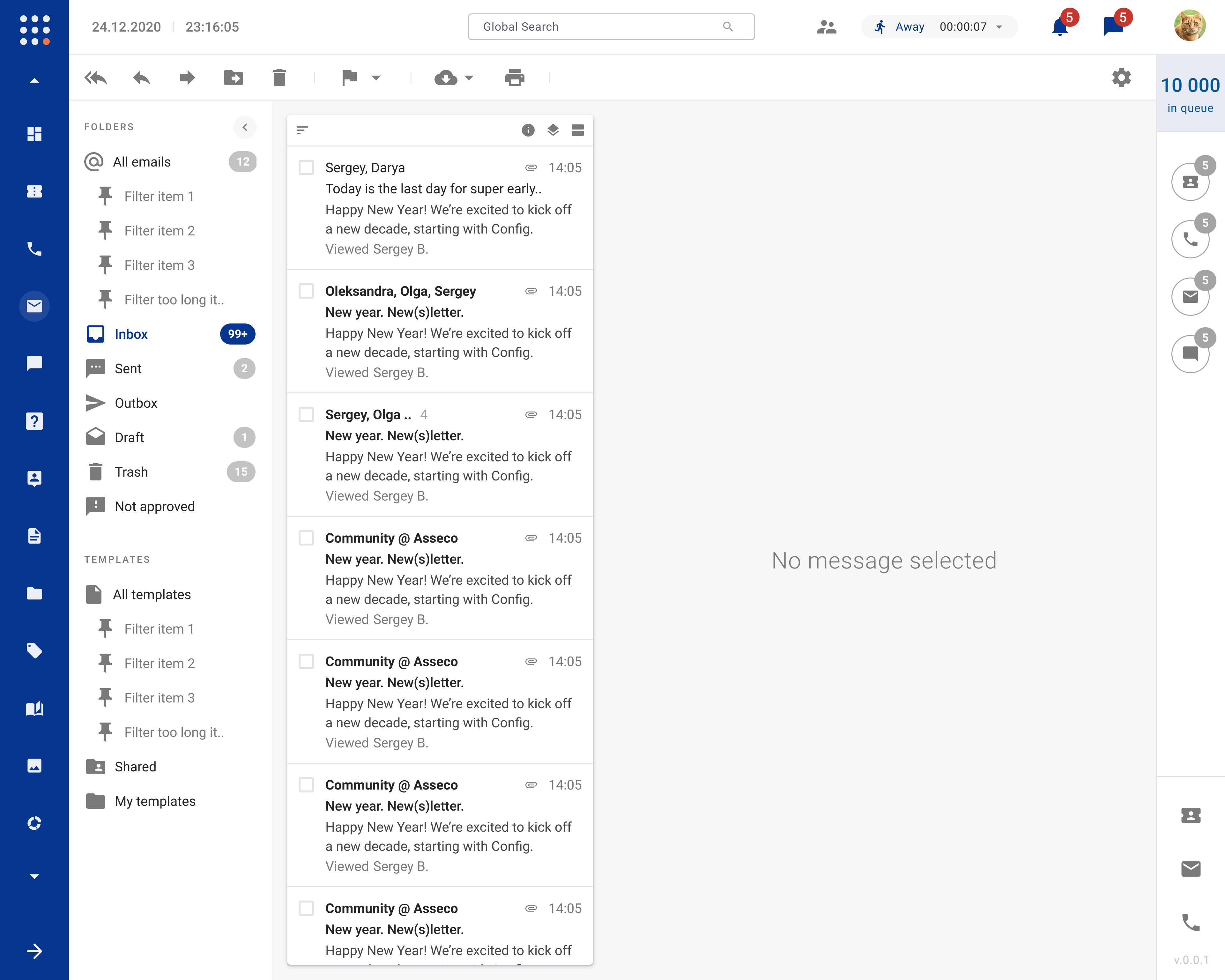
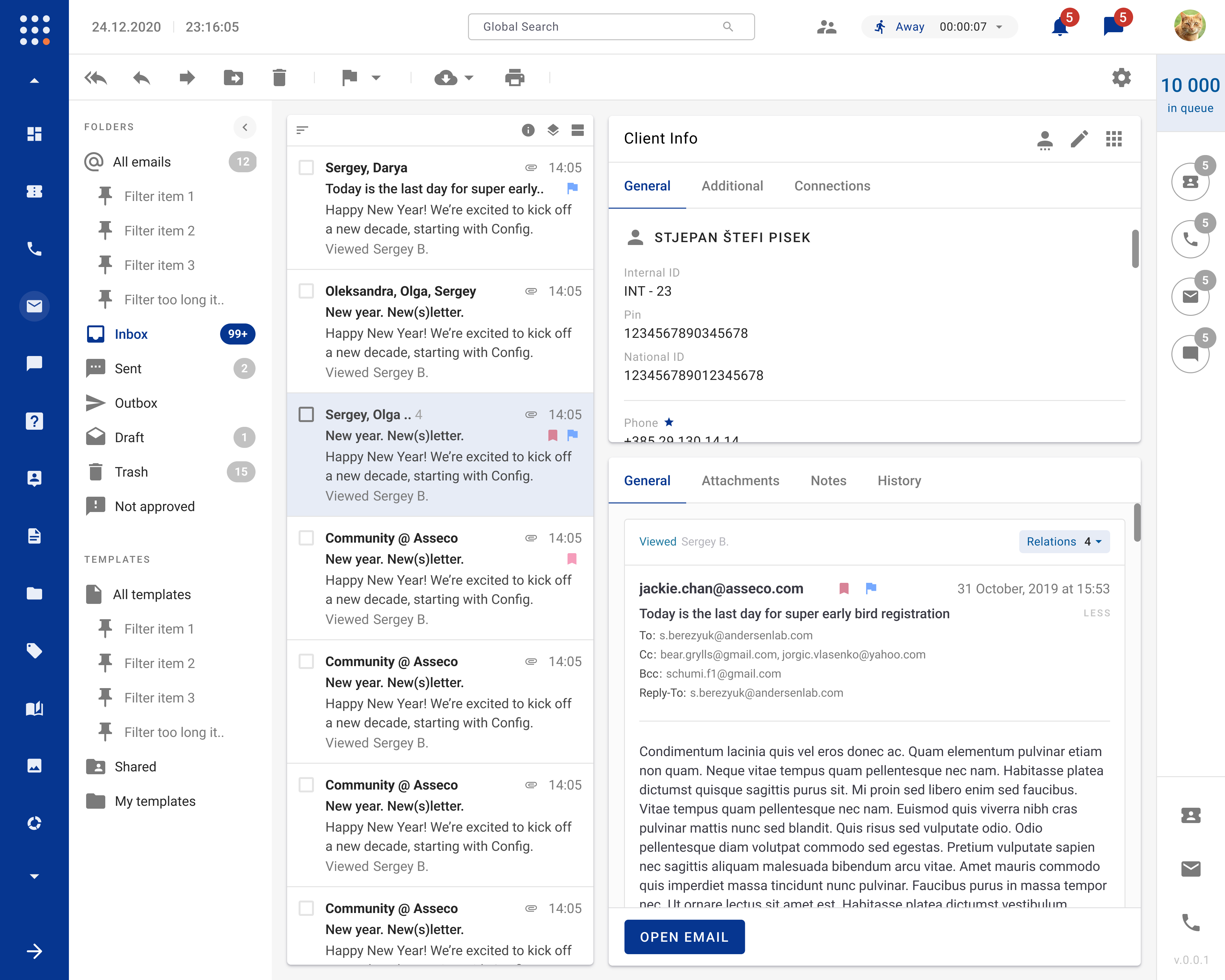
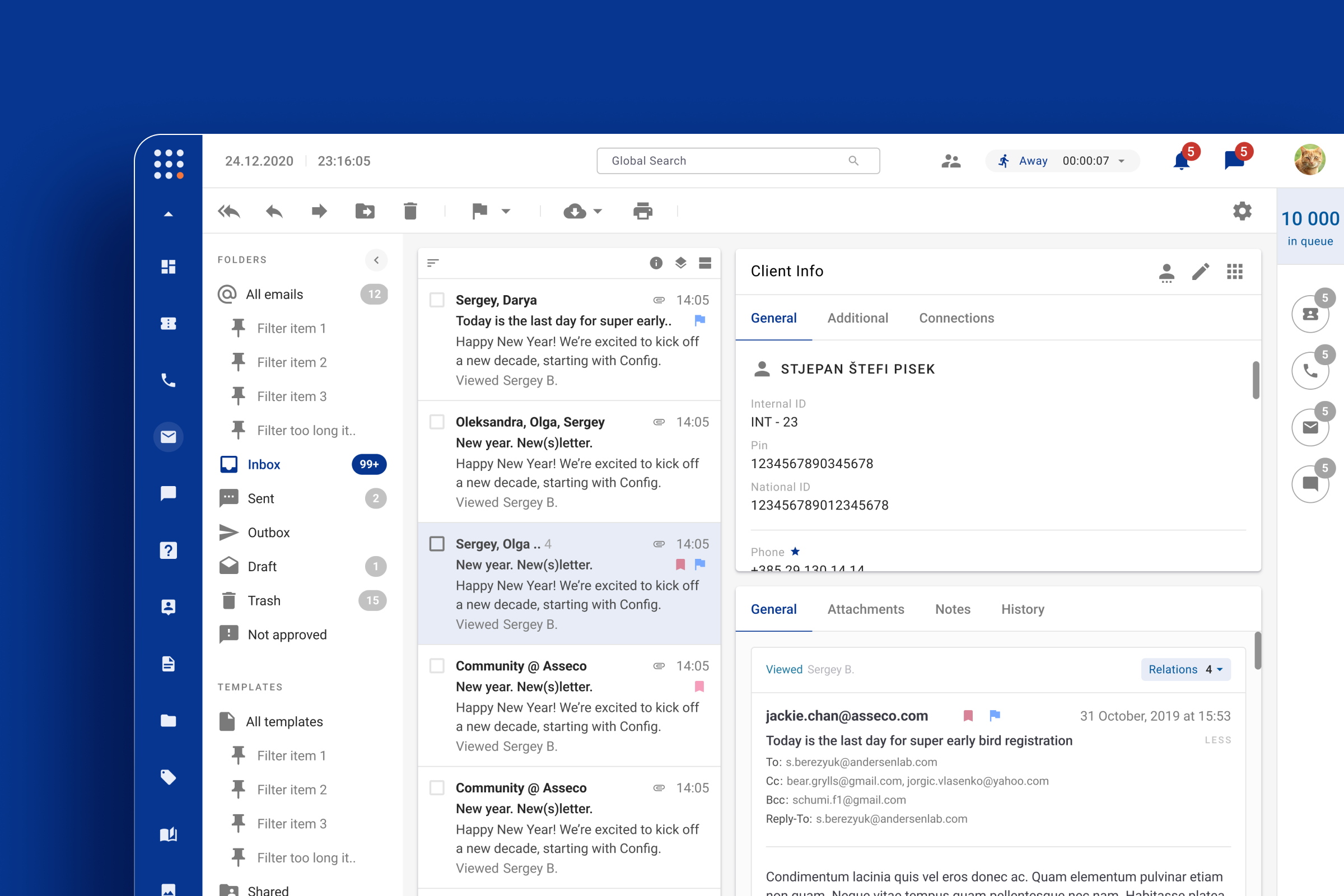
Supervisors got a unified dashboard with real-time KPIs (average handling time, queue length, escalation count) and one-click drill-down to any agent or ticket. A notification engine pushes alerts for status changes, SLA breaches, and escalations, all configurable per role.

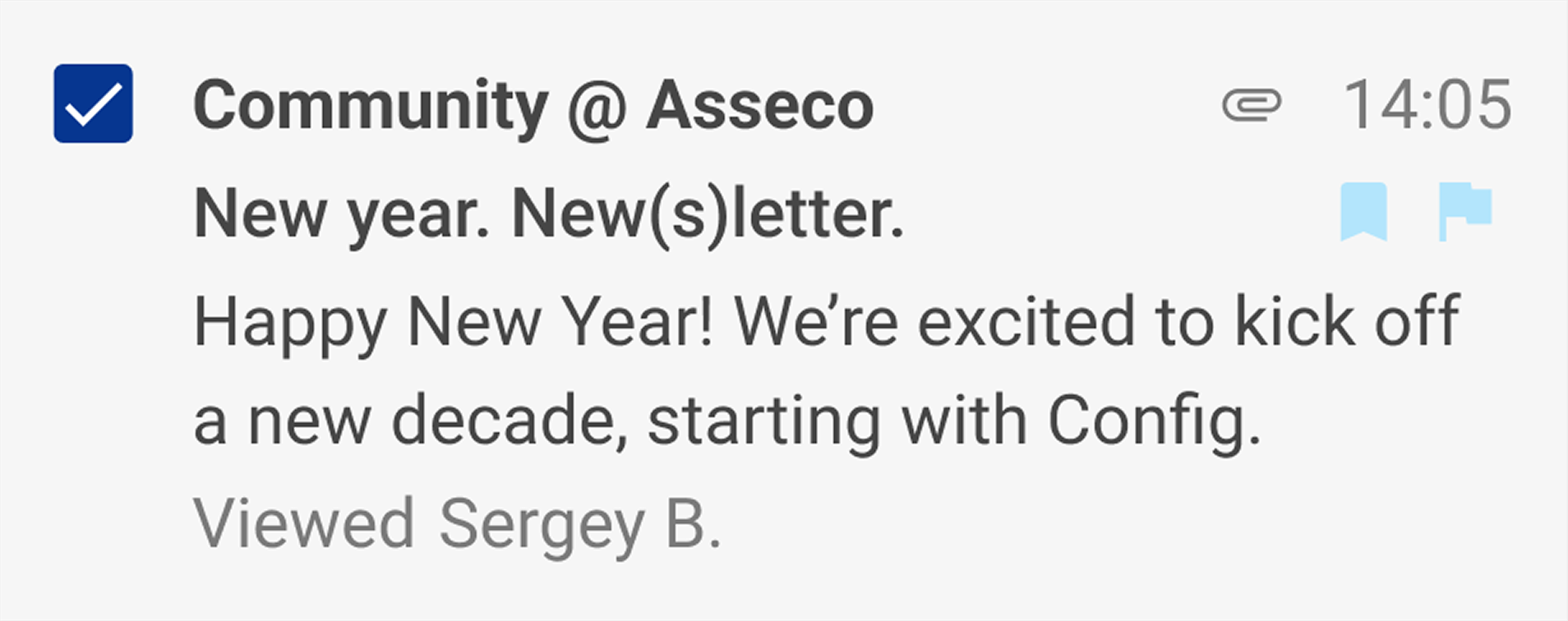

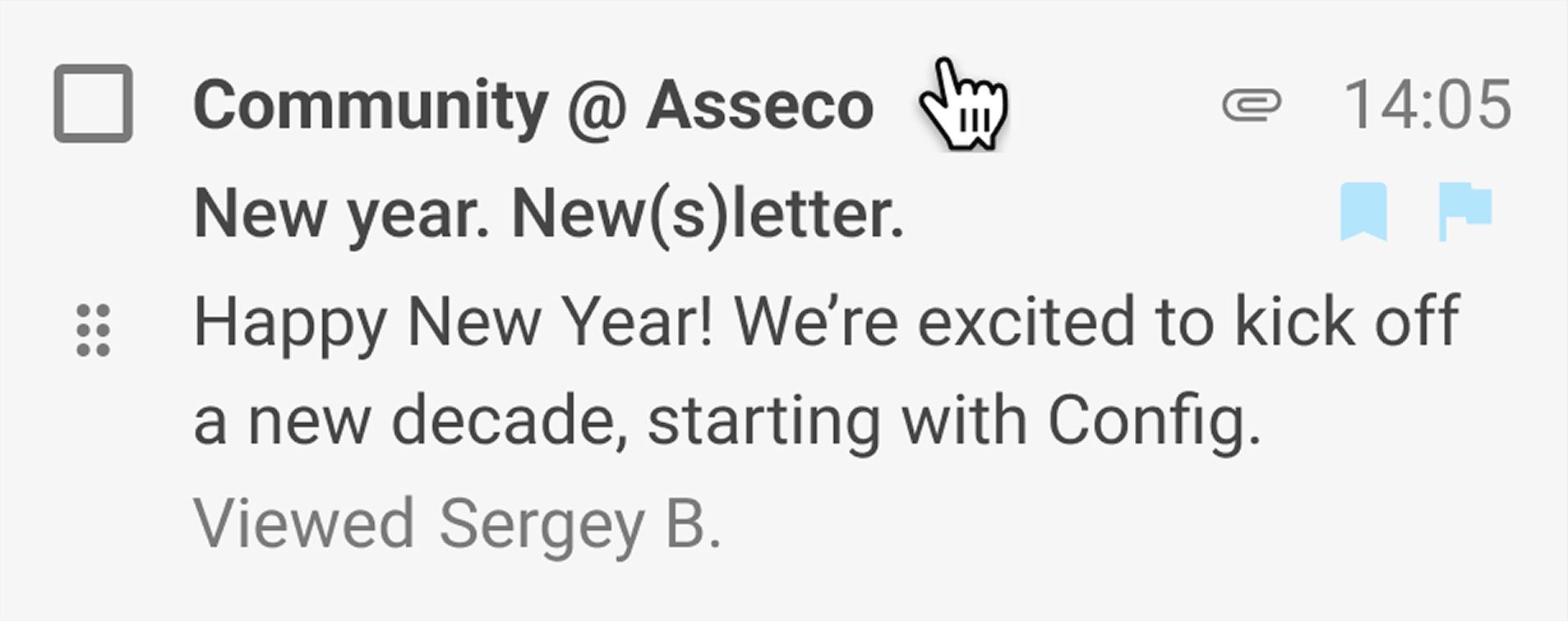
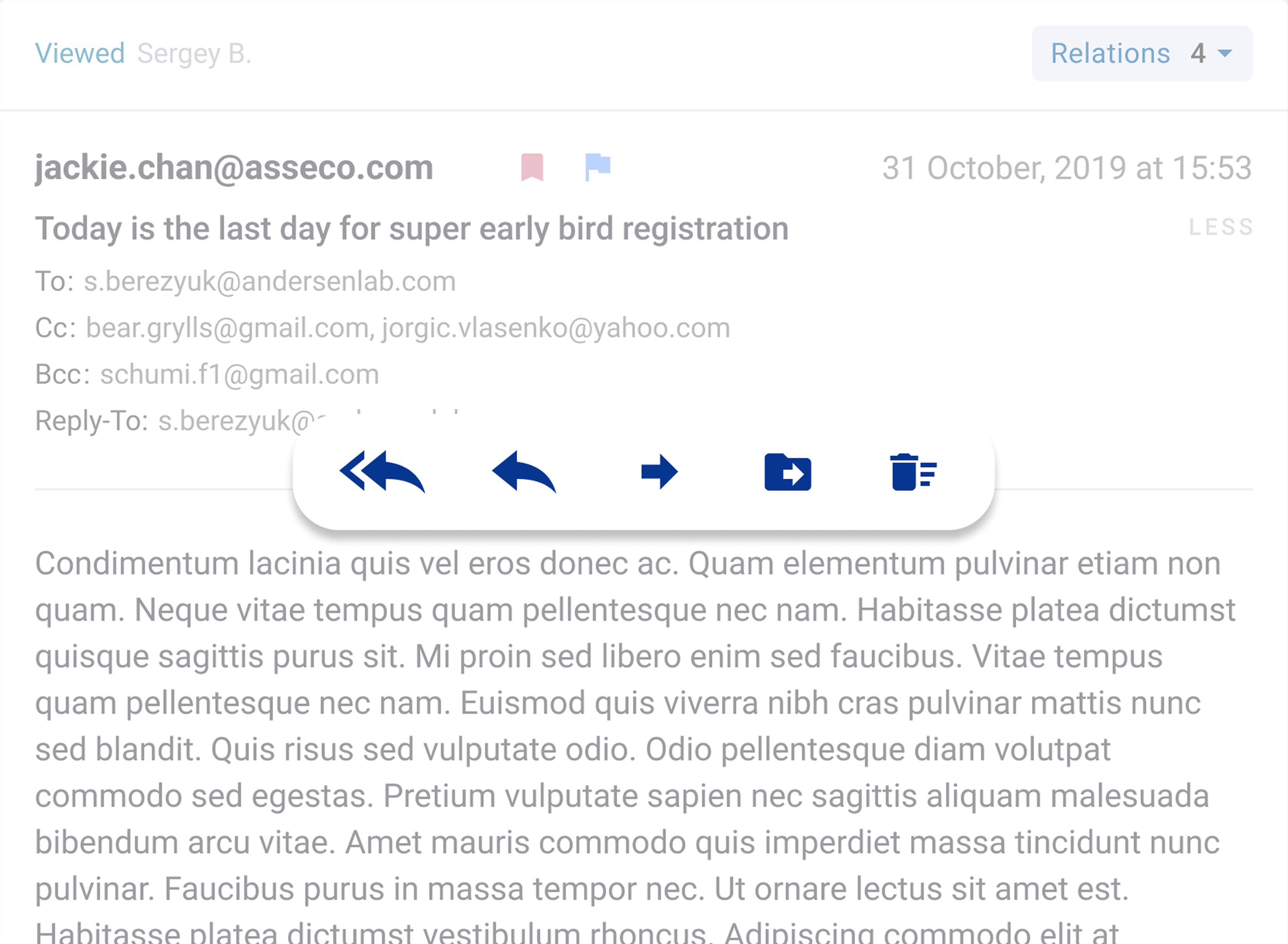
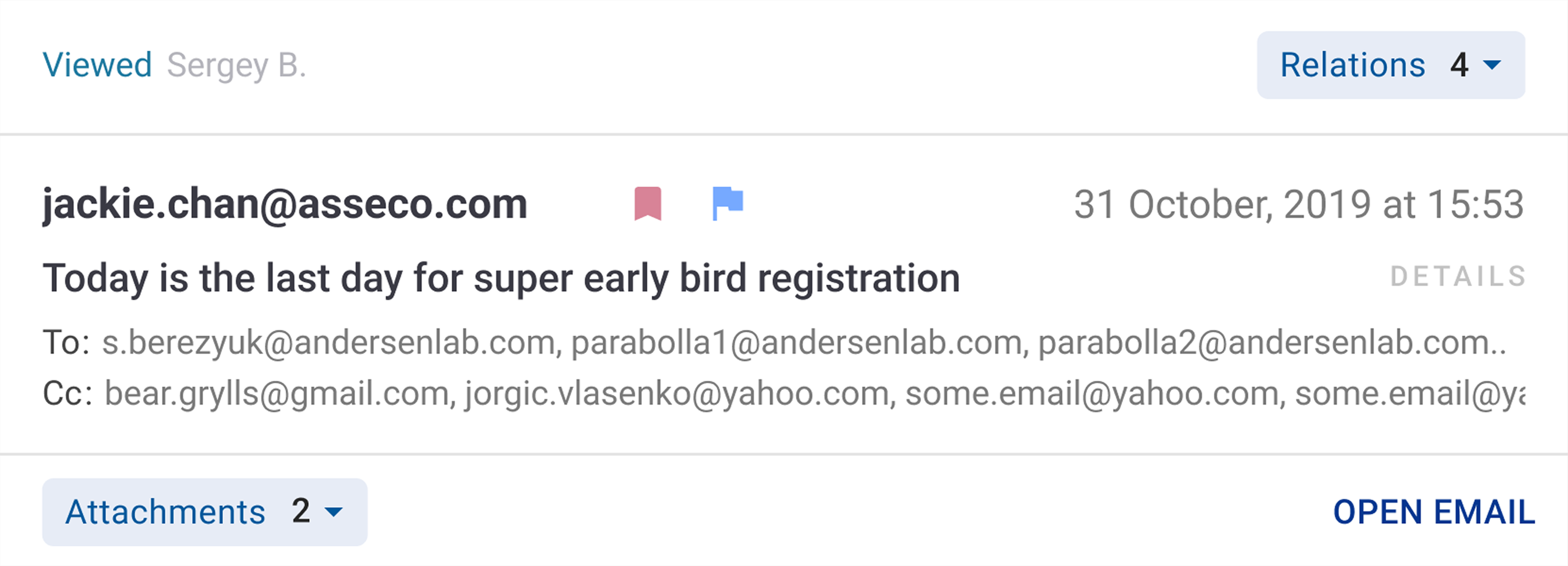
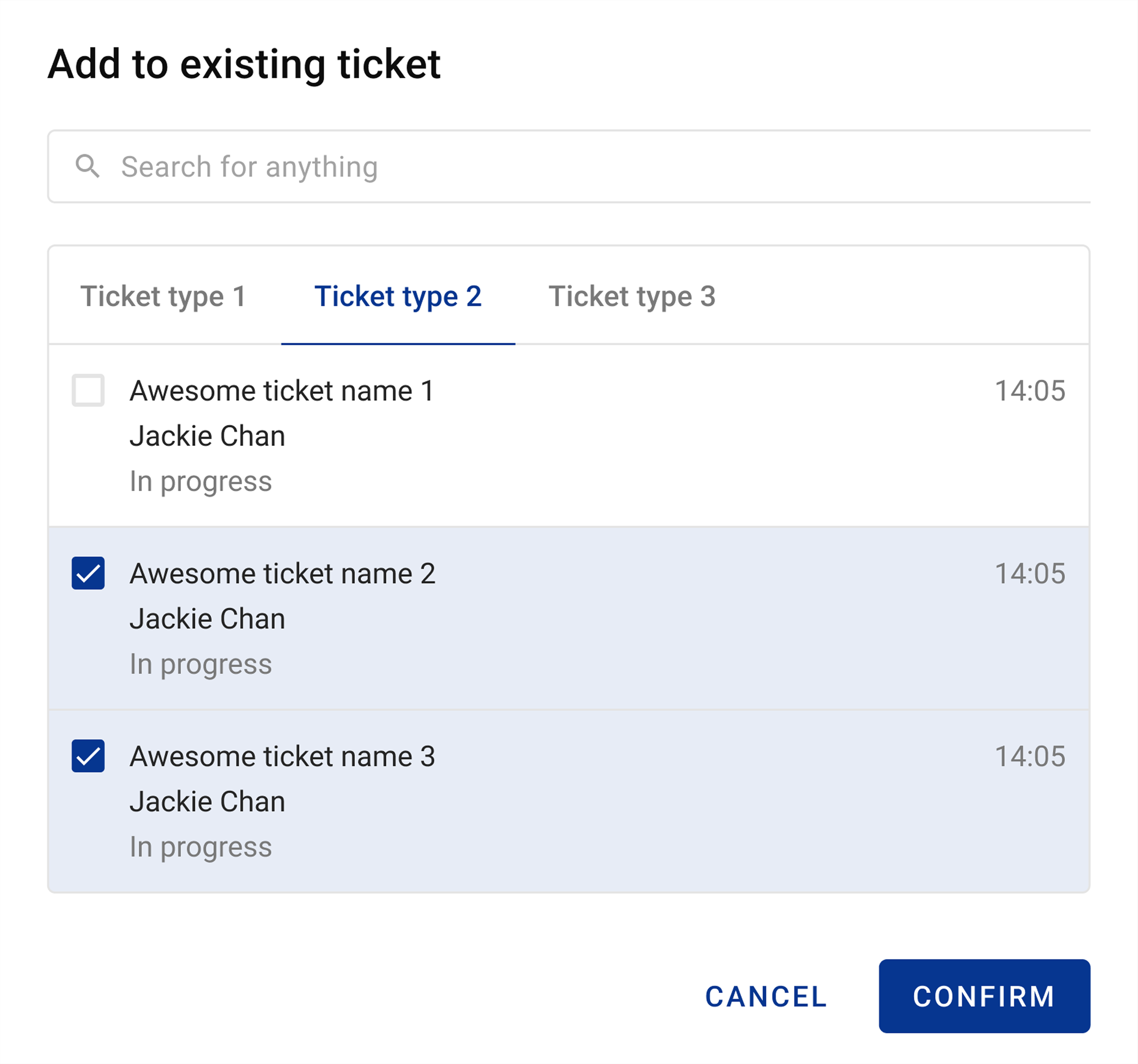
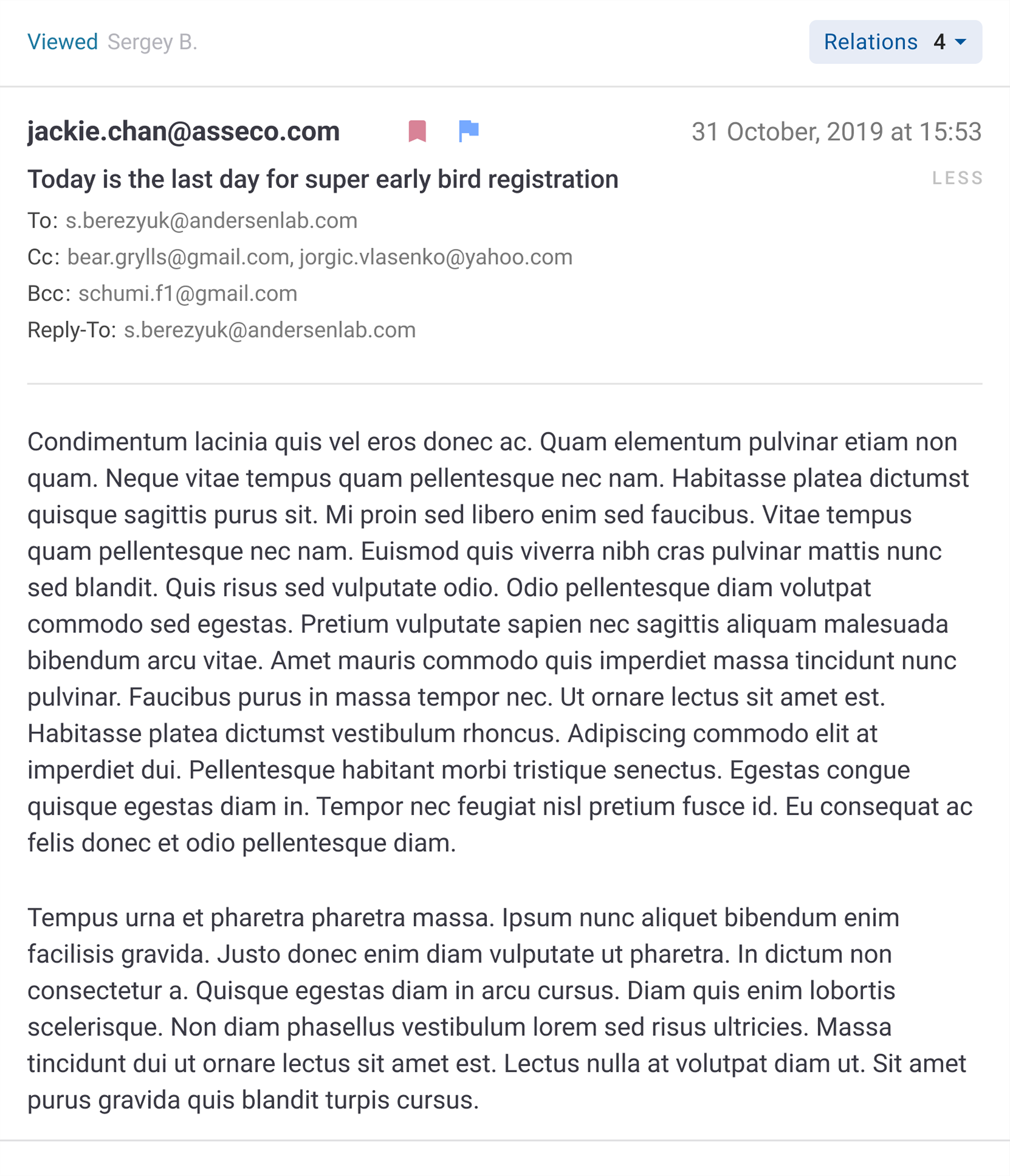
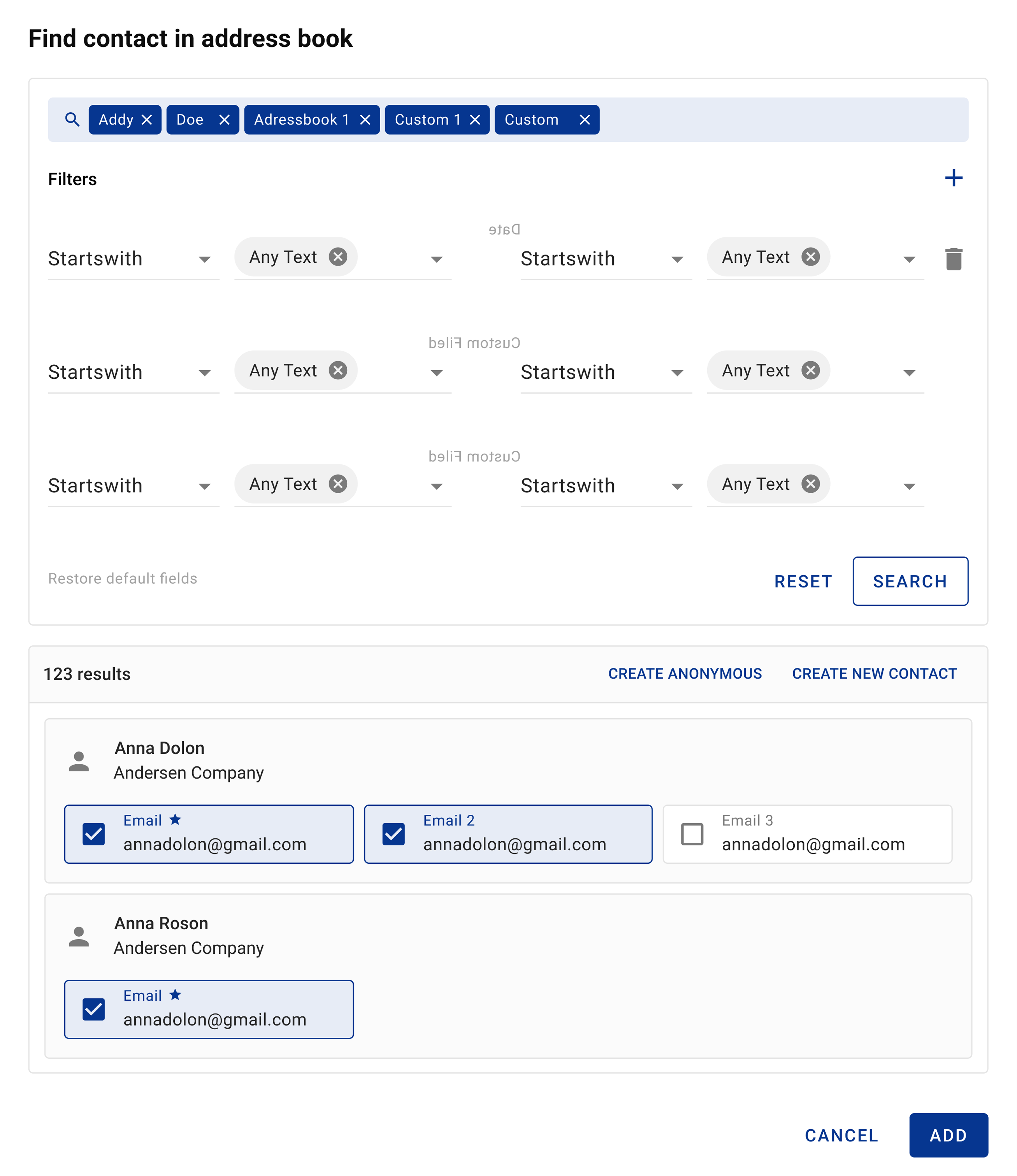
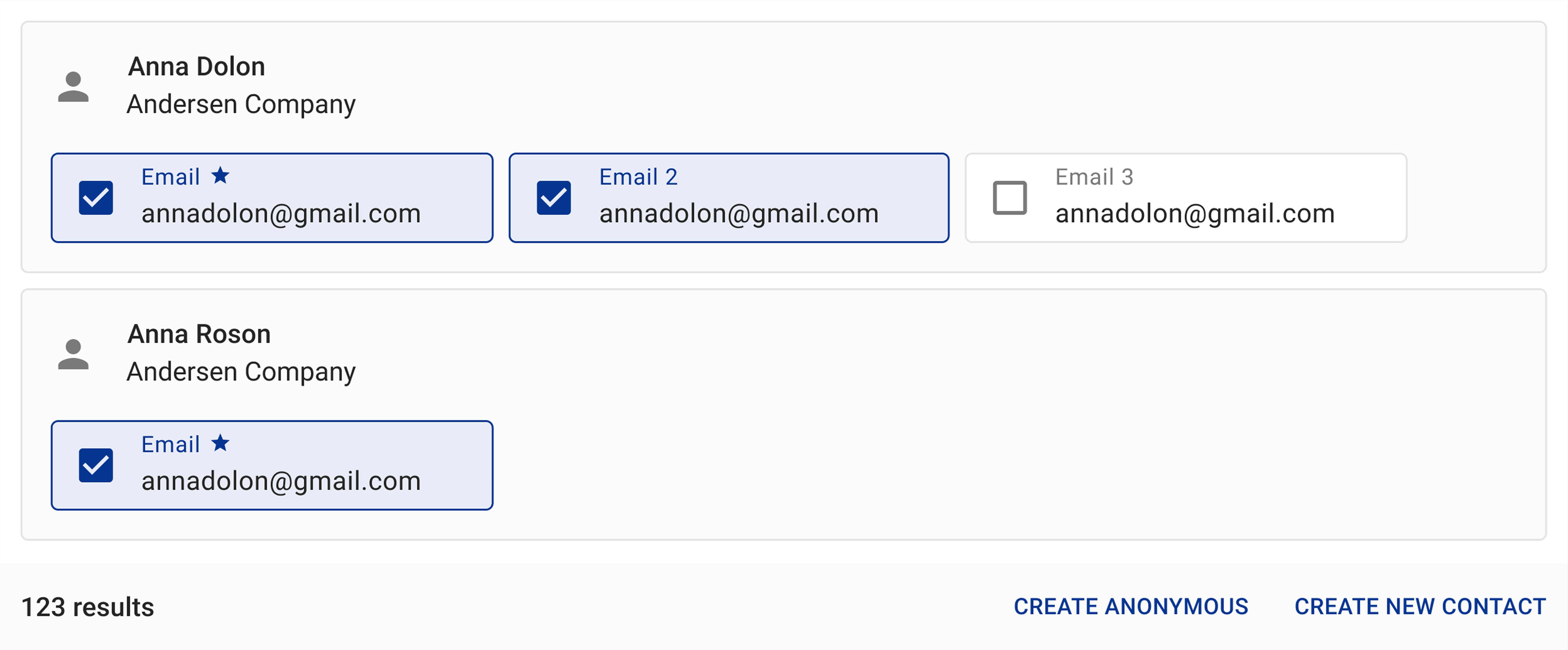
Close teamwork kept the design intent accurate in code and the design system adopted consistently.
Results *
- 290s
- Average Handling Time
- 33s
- Ticket creation
- 22d
- Onboarding time
- 55%
- Less UI support tickets
* All since 2019.
Grounding priorities in real user data and building a clear, component-based interface turned Dive from a tangle of modules into a focused call-center tool. The gains in onboarding time, support load, and management visibility add up to more productive agents and lower costs for Dive's clients.
Appendix
Research methodology
- 9 in-depth interviews (6 agents, 3 admins)
- 139 survey responses
- 4 journey-mapping workshops
Group of personas
Call Center Agents
The main user group is frontline call center agents who handle incoming and outgoing customer communication. They work both remotely and from offices in Croatia and make up about 80% of all users. Their daily tasks include answering customer questions, creating and updating tickets and using multiple channels such as phone, email and chat. Most agents have higher education, 1–3 years of experience and an intermediate level of IT skills focused on everyday tools.
Call Center Administrators/Supervisors
The second group includes administrators and supervisors. They configure the system, monitor agent performance and keep operations running smoothly. This group represents about 20% of users and usually has 3–5 years of experience and advanced education. They are confident with IT tools, including presentations, conference calls and complex software. Their role combines technical configuration work with team leadership.
Persona 1
- Petar
- Agent
- 30 years old, Croatia
- Primary Goal
- Promptly solve customer problems while maintaining high service quality standards.
- 2 years in call center operations
- Higher Education
- Representative of 80% of system users (agent role)
- Full-time, hybrid work environment
- IT Proficiency level: intermediate
- Desktop workstation, smartphone
- Actively uses smartphones, Smart TV and internet technologies for both work and personal use
- 30% of users in this role work from mobile/tablet
- Professional Goals
-
- Advance to admin/supervisor position within 2-3 years
- Improve communication and decision-making skills
- Master the Dive system comprehensively
- Earn competitive compensation
- Quote
- Sometimes I want to know what is the average time for opening tickets. It takes time for me to fill in all these fields. My main job is to help clients. I use notes usually. I need to see clients information about products and services that they have in use.
Pain points
- Time pressure
- Must juggle multiple information sources (customer data, ticket history, scripts) while on active calls, creating anxiety about response time
- Steep learning curve
- The interface complexity makes it difficult to understand proper workflows initially
- Performance anxiety
- Concerns about supervisor evaluation and meeting metrics are amplified by system inefficiencies, such as fragmented information spread across multiple screens and excessive clicking
- Limited system guidance
- The application doesn't provide contextual help or suggest next steps, forcing agents to rely on memory and supervisor support
Typical operations in Dive
- Inbound communication handling
- Receives customer calls/emails, accesses customer history, resolves issues and creates/updates tickets as needed
- Ticket management
- Creates new tickets, updates existing tickets with customer communication details, assigns tickets to appropriate categories
- Supervisor collaboration
- Requests assistance from supervisors for complex issues, communicates through internal chat
- Knowledge base usage
- References scripts, FAQs and product information during customer interactions
UX goals summary for Petar
- Quickly receive all needed information about callers
- Know actual information about rush hours and status online
- Create ticket during call
- See both call and ticket statuses
- Receive notifications in time
- Find critical info quickly
User journey map
Inbound communication flow
Goal
Handle incoming customer communication efficiently from preparation through resolution.
Scope of experience
Journey starts when agent is ready to receive communication and ends when communication and all related tasks are completed.
| Phase | Preparation | Decision Making | Communication Processing | Communication Ending |
|---|---|---|---|---|
| User Thoughts | "Focus on work, Ready for work, Start daily work" | "Activation of attention, excitement, I decide take communication, Makes a decision" | "View over past communication, Recognizes the last context, Know what client wants, What can I do for client?" | "Is the customer satisfied? I did a great job!" |
| Actions | View daily activity dashboard, Check personal status | Receives signal about incoming communication, Reviews communication information (who, what, why) | Acquainted with customer's problem, Looks for solutions (FAQ, tickets, scripts), Updates customer/company info | Reports decision, Ends communication, Creates/updates ticket |
| System Response | Shows main dashboard, Shows incoming changes, Shows current UACD status, Shows extensions | Shows incoming signal, Fixes fact of communication, Shows communication information, Shows known contact or placeholder | Action selection, System reacts on choice, Changes agent/communication status, Shows last client info, Shows possible solutions, Gives opportunity to change client info | Changes agent status, Saves communication content, Registers communication in system, Shows possible ways to complete task |
| Touchpoints | Personal Dashboard, Status (UACD), Extensions | Incoming message with action choice, System notifications, Contact recognition | Communication status view, Associated Records, Communication Actions, Search | Communication status, Associated Records, Communication Actions, Post-processing |
| Emotional State | 😊 Neutral-Positive: Prepared and ready | 😐 Neutral: Focused attention | 😓 Stressed: Information gathering pressure | 😊 Positive: Relief and satisfaction |
Pain points
- Agent status management
- Agent may forget to change status, missing expected incoming communications
- Time pressure
- Time pressure to resolve issues quickly while maintaining quality
- Lack of context and information fragmentation
- Lack of comprehensive customer context when communication arrives. Must search across multiple locations for relevant information during active call
- Process uncertainty
- Uncertainty about whether all necessary steps were completed
Opportunities
- Automated status management
- Implement intelligent status changes based on agent activity and schedule
- Quality checklists
- Post-communication checklist to ensure all required actions are completed
- Contextual information display
- Show all relevant customer information (history, open tickets, previous communications) in a unified view when communication arrives
- Integrated knowledge base
- Provide FAQ, scripts and solutions within the communication interface without requiring navigation
Affinity
Research question
How can we improve the Dive experience for agents and admins to help them resolve customer inquiries and manage teams faster and with greater confidence?Cluster 1. Information Architecture and Navigation
Users struggle to understand the product structure: they can't see relationships between screens or identify which information is critical. Fragmented architecture forces them to jump between modules for a single workflow, increasing cognitive load and slowing task completion.Sticky notes
- Too many fields, I don't know what is important
- Jump between modules to finish one task flow
- I did not understand the system logic
- Need settings in one place and in one flow
- Connections between Skill Groups, Ticket Groups, IVR and Automation are unclear
- Agent spends excessive time navigating between modules during active customer communications
- Settings scattered across multiple locations without clear connections
Action items
- Rebuild IA based on actual task clusters (not technical system structure): group related functions by Agent/Admin user scenarios
- Consolidate related settings (Skill Groups, Ticket Groups, IVR, Automation) into unified configuration hub with clear visual connections between entities
- Add inline contextual hints (e.g. 'This setting affects…') and dependency mapping between objects
- Reduce number of clicks to reach key actions (ticket creation, status change, customer search)
Cluster 2. Efficiency and Automation
Many key tasks are still manual. Agents often re-enter data that already exists in the system. Admins have to recreate similar configurations again and again. This slows down work and increases frustration.Sticky notes
- Create ticket quickly, minimal by hand, maximum automation
- System doesn't help in flow, doesn't tell what to do
- Have I missed something important? I want to finish task properly
- Admin spends a lot of time on settings; waits long for vendor support
- Similar Skill/Ticket Groups must be configured from scratch
- After a few months of adding user from zero I notice that there is a copy options
- Agents must manually enter information the system already has
Action items
- Smart search and auto-fill: When agent types customer name, automatically populate history, products, open tickets and suggest ticket category/type
- Templates and clone: For Skill/Ticket Groups, dashboards and IVR settings — enable users to copy existing configurations and modify
- Completion checklist: After call/ticket, display 'All required fields completed ✓' to eliminate anxiety about missing steps
- Bulk operations: Enable admins to perform mass actions on agents, groups and rules
Cluster 3. Learning and Onboarding
The system offers comprehensive functionality, but knowledge of "how to use it" isn't embedded in the interface. New users take months to reach productivity, experienced users accidentally discover useful features late. This creates dependency on colleagues and support, increasing load on supervisors.Sticky notes
- When first I saw these fields, that was like: what I am going to do?
- Agent spends too much time understanding interface
- Some parts could be easier to do and understand. It is not user friendly
- Admin discovered important features only after months of use
- Need tips about what each setting influences; need tutorial for quick questions
- Long onboarding times for new agents slow overall service speed
- Heavy load of UI-related support tickets
Action items
- Wizard-driven onboarding: Create step-by-step wizards for key scenarios (first call, ticket creation, group setup) with progressive disclosure
- Contextual tooltips: Add tooltips explaining 'Why this matters' with examples of impact on related settings
- In-app Help Center: Build searchable FAQ, scripts and video guides accessible without leaving the system
- Feature discovery hints: Display unobtrusive notifications ('You can copy this setup' or 'Tip: use smart search here') when user performs action manually
Cluster 4. Real-Time Visibility and Monitoring
There's no single "source of truth": agents can't see their work context (queue status, statistics, ticket status), supervisors piece together the operational picture from different modules. This delays response to problems and reduces users' sense of control.Sticky notes
- Agent wants actual info about peak hours and line situation
- Agent wants to see call status and ticket status together
- Admin is afraid to miss agent status and requests for help
- Supervisor needs to see all important statistics at once; current dashboard fragmented
- Supervisors lacked clear visibility into team performance and SLAs
- Need to respond to agent needs immediately without jumping between programs
- Need to see all important information on a single unified dashboard
Action items
- Role-based dashboards: Create Agent Home (queue, my tickets, daily stats) and Supervisor Home (real-time KPIs, agents needing help, SLA alerts) as primary work interface
- Persistent status bar: Display UACD status (Ready/Break/On-call) with color indicator always visible, automatically updating based on context
- Unified view: Show communication status + related ticket + customer history on single screen without switching
- Smart notifications: Implement prioritized notifications for supervisors (agent raised hand, SLA breach imminent, escalation) with ability to act directly from alert
Key findings
1. Too many screens create cognitive overload
Agents and admins struggle with information scattered across multiple places. Agents can't find customer details during active calls. Admins see settings distributed across the system without clear connections.
- This leads to
- Longer task completion time. More mistakes because people miss important info. Higher stress during time-sensitive calls. Longer onboarding for new users.
- What we did
- We redesigned the information architecture based on card-sorting exercises with real users. We consolidated related info into unified views and added contextual sidebars that show relevant data based on the current task.
2. Hard to learn without help
"When first I saw these fields, that was like: what I am going to do?" New users face a steep learning curve. Even experienced users discover features months later: "After a few months... I notice that there is a copy option."
- This leads to
- Months-long onboarding. Inconsistent use of features. Powerful features underutilized. Constant dependency on supervisors and colleagues.
- What we did
- We implemented contextual onboarding with progressive disclosure. Created interactive tutorials for key workflows. Added a persistent help system with search. Implemented 'discovery hints' that surface relevant features based on user behavior.
3. Too much manual work
Agents manually enter information during time-sensitive customer interactions. Admins recreate similar configurations repeatedly without templates. Ticket creation requires manual field entry for information already captured in communications.
- This leads to
- Longer average handle time. More data entry errors. Agent frustration and fatigue. Reduced capacity to handle customer volume.
- What we did
- We implemented intelligent automation. Auto-populate ticket fields from communication context. Provide configuration templates and cloning functionality. Suggest responses based on communication type. Enable bulk operations for common tasks.
4. No real-time visibility
Supervisors can't see when agents need help. Agents don't have visibility into queue status and peak times. Critical notifications get missed when working across multiple screens.
- This leads to
- Delayed response to agent help requests. Suboptimal call distribution. Missed SLA deadlines. Reactive rather than proactive management.
- What we did
- We designed a unified dashboard system with customizable widgets showing real-time operational data. Implemented intelligent notification system that prioritizes critical alerts. Created shared views that allow supervisors to see agent screens for troubleshooting.
5. System connections are unclear
"I did not understand the system logic." Admins struggle to understand how skill groups, ticket groups, IVR settings and automation rules interconnect. Changes in one area have unexpected effects in others.
- This leads to
- Configuration errors that affect agent productivity. Dependency on vendor support for routine changes. Longer time to set up new configurations. Risk of breaking existing functionality.
- What we did
- We created a visual relationship mapping tool that shows connections between configurations. Implemented 'impact preview' that shows what will be affected by changes. Provided pre-configured templates for common scenarios. Added validation and warnings for potentially problematic combinations.