Overview
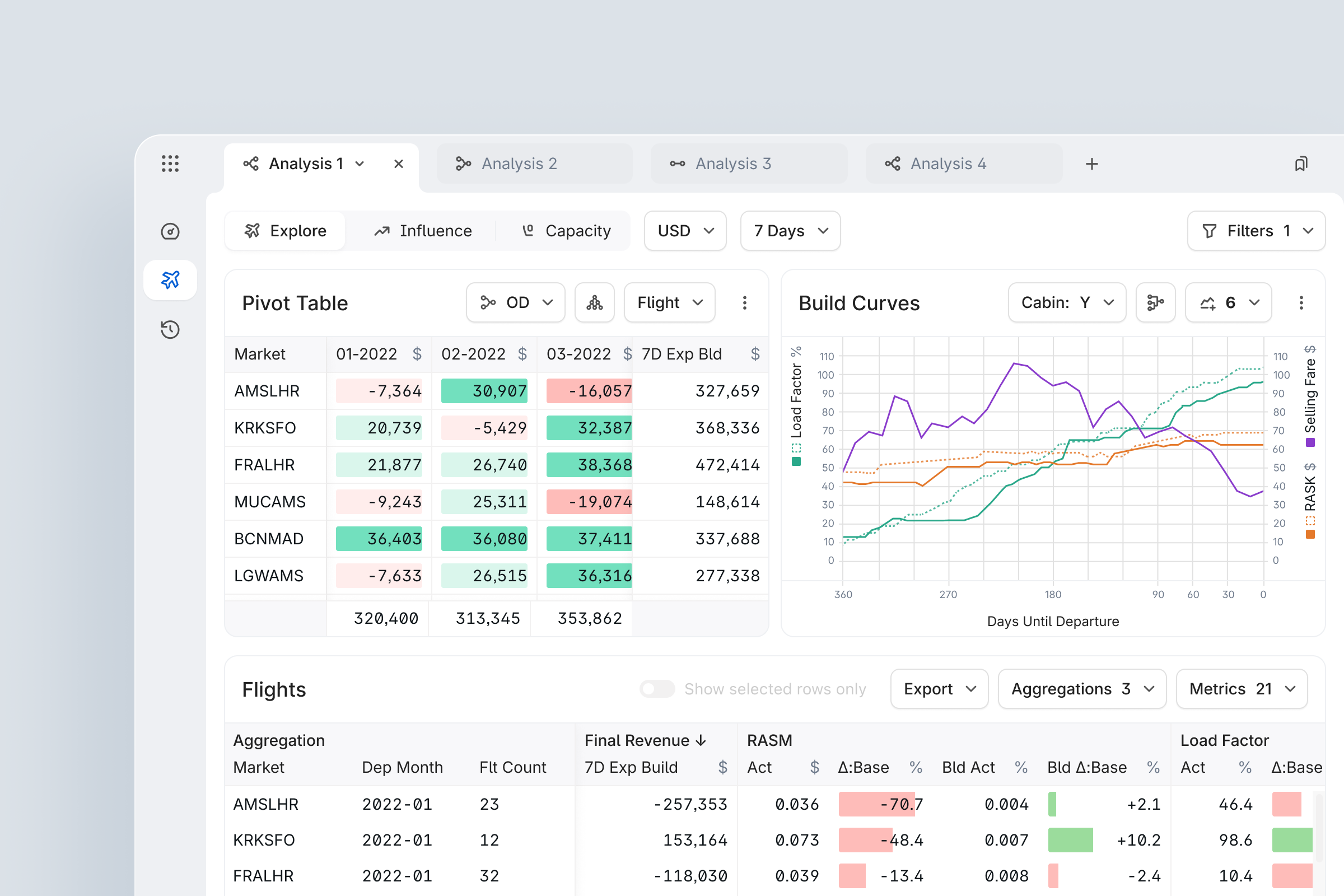
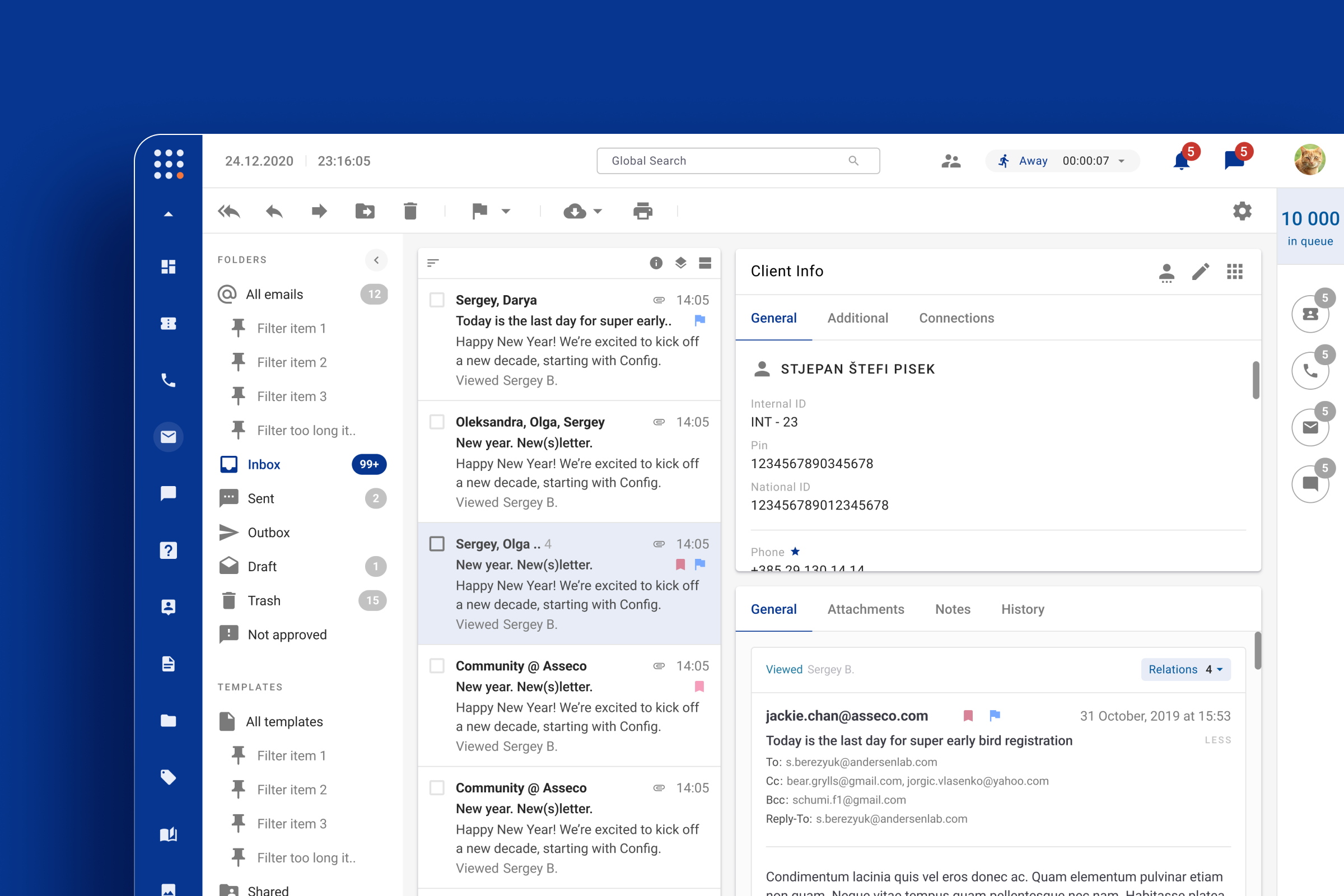
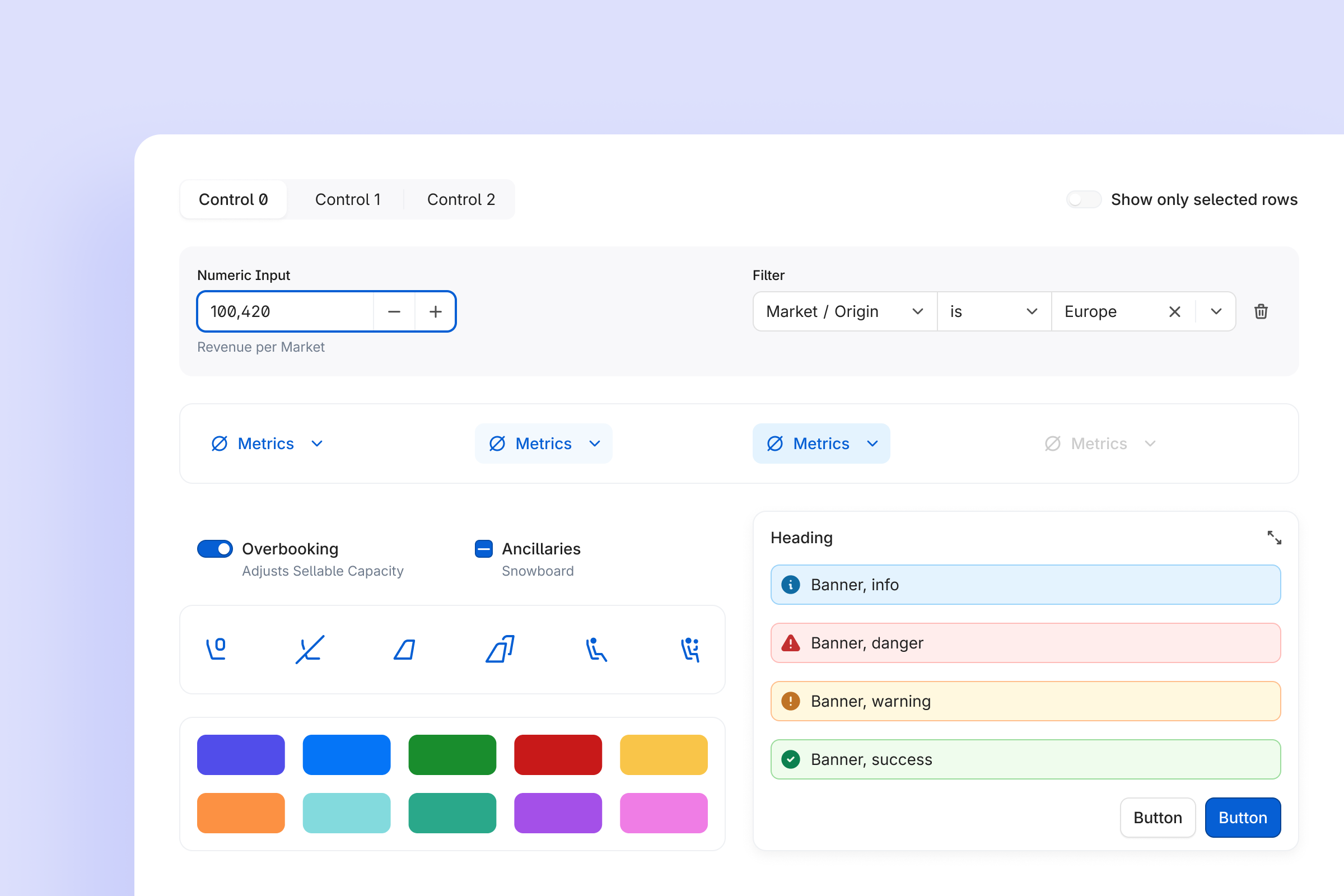
Over 24 months, we moved FLYR from “every team designs their own buttons and tables” to a unified design system that powers every product in the Revenue Operating System and enabled a modular booking experience for Riyadh Air to be built in 6 months.
- Components & patterns
- 50+ core components in React and Figma
- 80+ patterns
- Fully documented and versioned
- Figma adoption
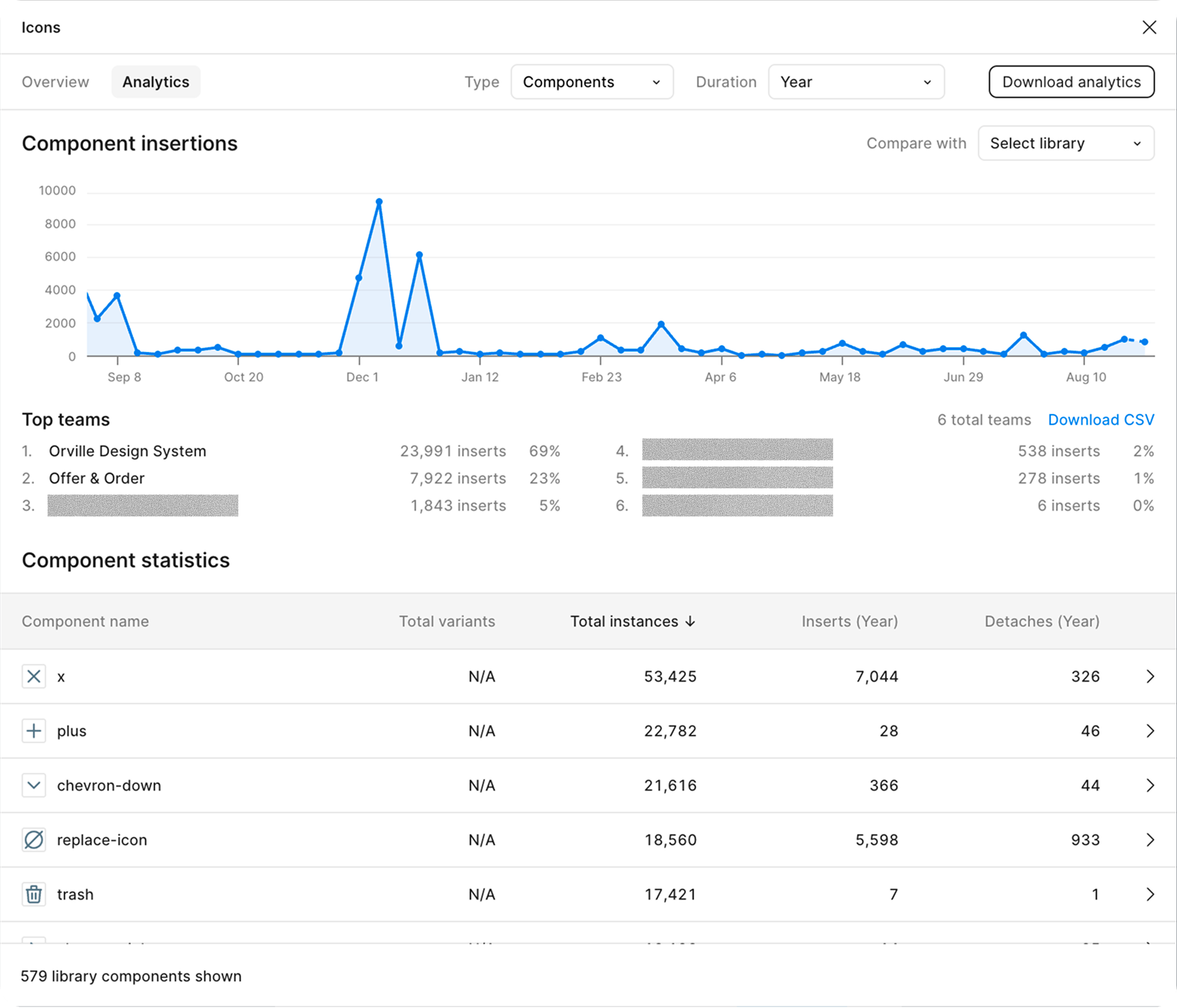
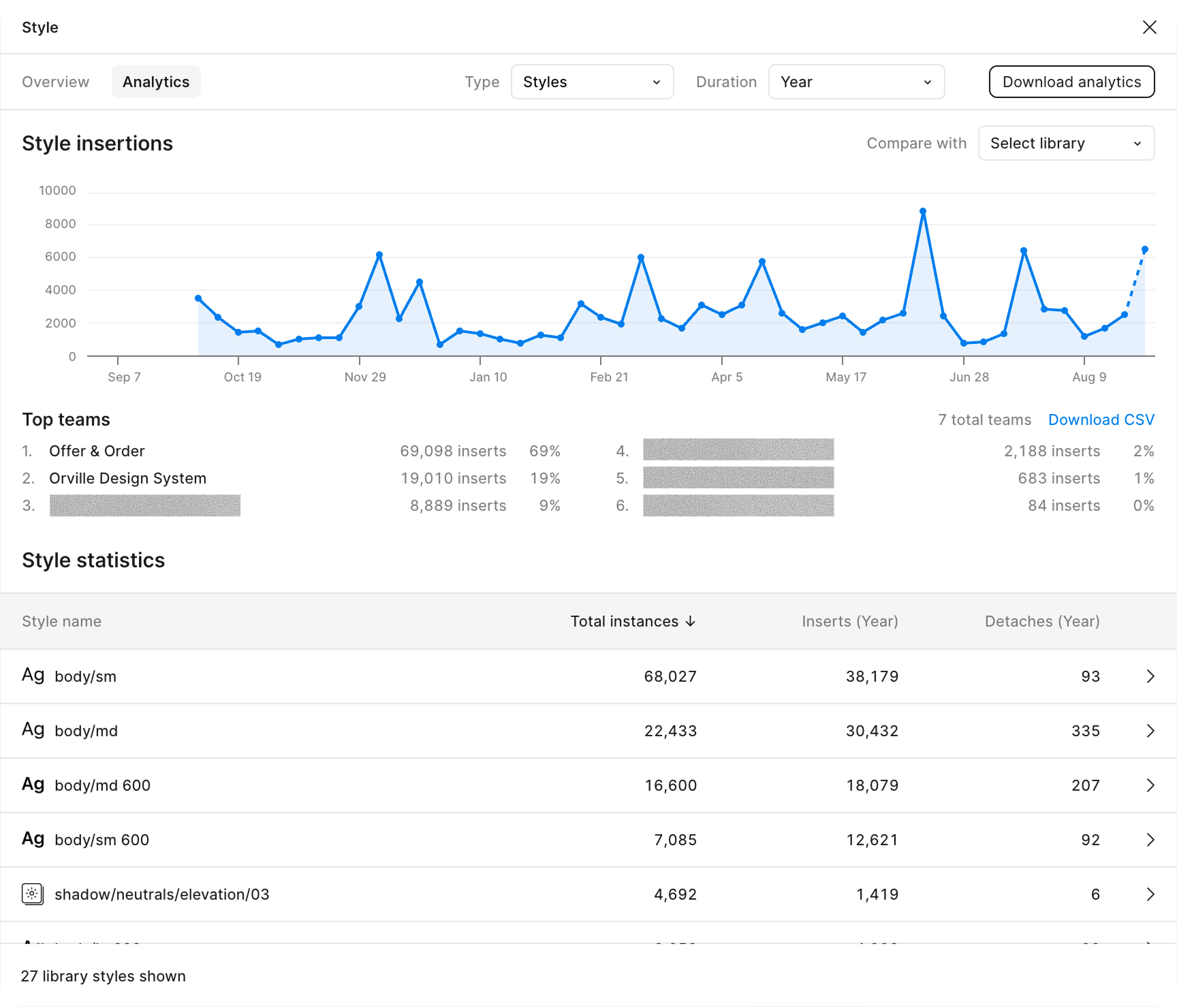
- 96.6% Figma component insertions
- -31.2% component detachments year-over-year
- Production usage
- 100% product UI in production built on Orville
- ~2k component usages in the codebase
- +50% usages growth over a year
- Riyadh Air impact
- End-to-end booking flow delivered in 6 months instead of 12-18
- Supporting a $295M funding round
From fragmented UI to product infrastructure
In 2021, each FLYR product team independently designed tables, filters, and forms for their own scenarios. That led to duplicated work, inconsistent patterns, and slower delivery of new capabilities.
By 2025, Orville had become a single design system with 50+ core components, 80+ patterns, a shared language for designers and engineers, and living documentation used by every new FLYR product, including the full booking experience for Riyadh Air.
Framing question
"How do we turn a collection of local UI decisions into an infrastructure layer that lets us ship new products much faster without sacrificing quality?"
Problem
What wasn't working
Before Orville, every new flow meant:
- Re-creating basic UI elements like tables, filters, and forms from scratch.
- Different spacing, color, and state conventions in each team.
- Manual sync between Figma and code with no single source of truth.
- Noticeable UX inconsistency across products in the same ecosystem.
For the business, this translated into:
- Longer time-to-market for new features and products.
- Higher UI maintenance cost.
- Difficulty selling a coherent "platform" rather than individual tools.
Goal
Create a unified design system and shared experience for designers and engineers that reduces rework, shortens delivery time, and unlocks faster product initiatives.
What I did
1. Defined the foundation
I started by defining the boundaries and mission of the system:
- What "design system" means at FLYR – the official story of how the company makes digital interfaces.
- Which standards, assets, and processes must be shared across the organization.
- Which deliverables and metrics will define success.
I established the foundation:
- 4pt grid for spacing, sizing, and radii.
- Color system CAM02 (Ch) to ensure perceptual consistency in real-world lighting conditions.
- Typographic scale and system fonts.
- Three-layer design tokens, synchronized between code and Figma Variables via Token Studio.
2. Built a shared component language
Next, I turned UI choices into a structured language.
Explicitly documented states
- State
- rest
- hover
- pressed
- dragged
- State
- focus
- disabled
- read-only
- inactive
- Slot
- trailingVisual
- leadingVisual
- icon
- text
- Intent
- neutral
- primary
- success
- danger
- warning
- Object
- bg
- icon
- text
- border
- shadow
- Grade
- min
- weak
- medium
- strong
- max
This removed guesswork like "which button should I use here?" and reduced uncontrolled variation in the UI.
3. Shipped Orville in React and Figma
Orville exists as both:
Design: Figma component library optimized around real product scenarios (Accordion, Table, Button, Checkbox, SegmentedControl, etc.).
Code: React components documented in Storybook and tracked with omlet.dev usage metrics.
Every meaningful UI decision had at least two representations: visual (for designers) and coded (for engineers), closing the gap between mockups and implementation.
4. Put process and documentation in place
Contribution templates and centralized documentation
To keep the system alive rather than static I created contribution templates for components, properties, and icons. Also, we centralized documentation across Confluence, Zeroheight, and Storybook with search and versioning for designers, engineers, and PMs.
Prioritizing Requests
With 10 designers and 50+ developers depending on the system, informal prioritization quickly stopped working. Teams submitted conflicting requests, urgency signals were unclear, and stakeholders had no visibility into when their work would be addressed. We needed a framework that was transparent and defensible.
The Framework
We formalized our approach in a public contract shared with all teams – combining principles from the Eisenhower Matrix and the RICE Scoring Model, adapted to our org structure. All requests were tracked in Jira across separate design and engineering boards, linked to intake forms for bugs and feature requests.
Scoring was based on: business priority of the requesting team, reach across surfaces and users, implementation effort, and availability of alternatives. Company-wide team priorities defined the queue order – requests from lower-priority product lines were always scheduled after higher-priority ones. No negotiations, just a shared reference.
Rituals and Boards
To keep the process running smoothly, we established a set of lightweight recurring rituals:
-
1-2 times per week – intake review (15 min):
The team reviewed new requests together, applied the scoring framework, and set initial priorities. If a request lacked detail, it was sent back to the requester for clarification before the next review cycle.
-
Requester sync (as needed):
Before a request moved forward, we aligned directly with the submitter to confirm the problem statement, edge cases, and expected scope – preventing back-and-forth once design or engineering work began.
-
Weekly grooming
Prioritized requests were broken down into actionable tickets across the design and engineering boards, with cross-links maintained for full traceability.
-
Sprint and release planning
Groomed tickets fed directly into sprint planning, with release dates communicated to stakeholders so teams could plan their own work around our delivery cadence.
How Requests Were Handled
Bugs were treated as immediate interrupts – they jumped the queue, and affected teams were proactively notified of any schedule changes.
Non-urgent requests followed the intake review cadence, either discussed synchronously with the team or handled asynchronously by the on-duty lead.
A core principle: Figma specs had to be unambiguous before engineering began. Any open questions during estimation or mid-sprint were resolved upstream in close design-dev collaboration – preventing costly corrections later.
Outcome
Replacing informal negotiations with a documented scoring system and consistent rituals reduced friction, improved trust, and gave all stakeholders a reliable basis for timeline planning.
Figma deprecation
I defined a deprecation process with migration steps and staged releases.
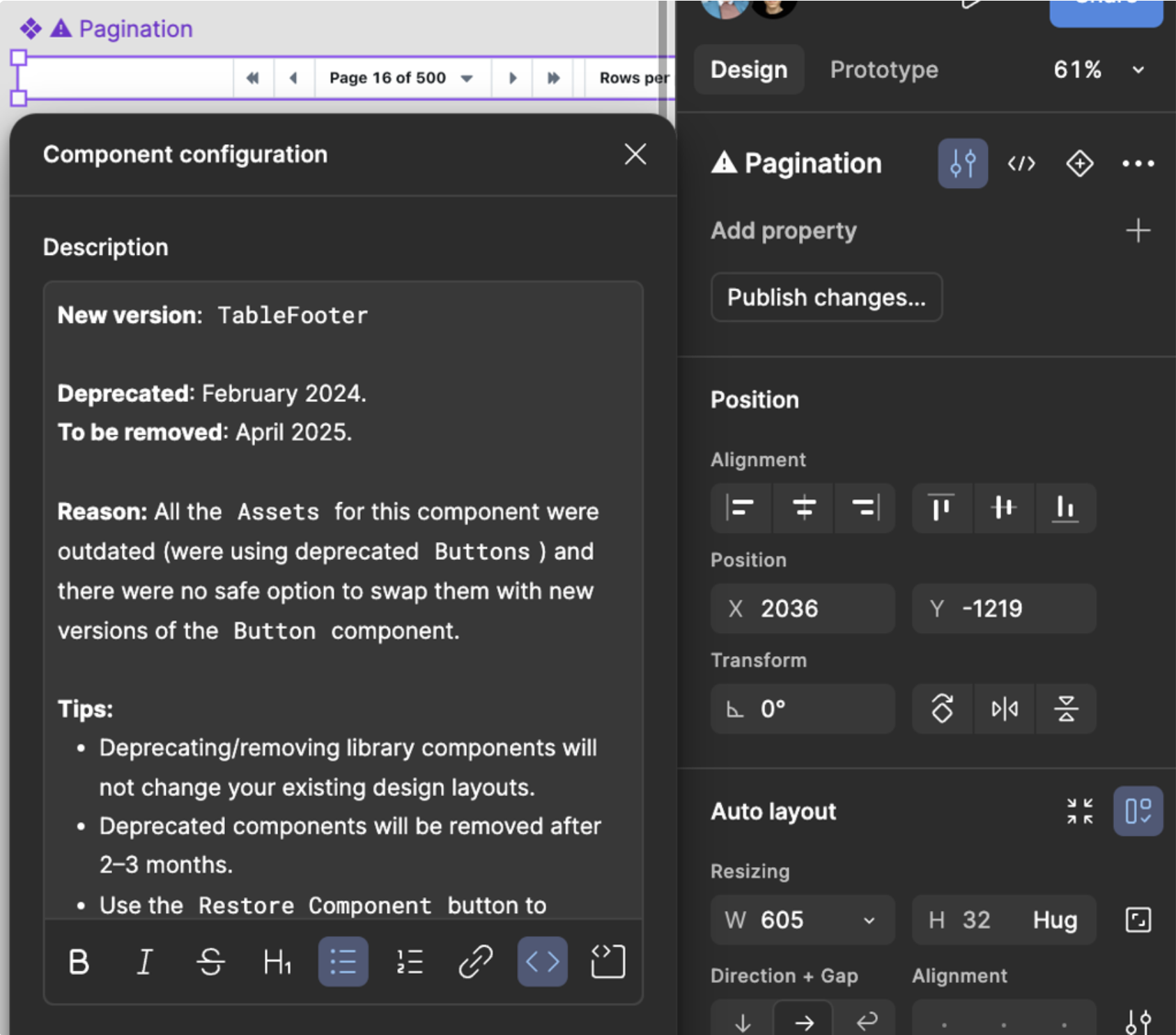
Old components are removed in a planned way with clear instructions on how to update them. Every change goes through a formal request and peer-review process. Releases are done in stages through automated pipelines, and the documentation is updated each time, giving clear guidance for future changes.
Process description
- totally remove a Figma component from the lib without any replacement.
- deprecate and then remove a Figma component from the lib providing a replacement.
Procedure
- Duplicate original component
- duplicated component after applying all necessary changes must be published providing release notes
- original component must be renamed
- description field of the Figma component should be filled up with instructions (see template below)
- Rename
- ⚠ use a warning sign in the title: ⚠ Button
- add Banner with a message in order to keep visual separation from other components on the page
- Provide timelines
- by default any deprecated component in Figma can be removed in 2-3 months
- Tips
- Deprecating/removing library components will not change existing design layouts
- Restore Component button can be used in order to restore missing or removed components
- Communication link must be provided
Message template
Description
- New version: Component Name (e.g. TableFooter)
- Deprecated: MMMM YYYY (e.g. February 2024)
- To be removed: MMMM YYYY (e.g. April 2025)
- Reason: Describe reasons in 1-2 sentences, stay specific (e.g. Refactoring of the [prop name] was causing breaking changes)
Tips
- Deprecating/removing library components will not change your existing design layouts.
- Deprecated components will be removed after 2–3 months.
- Use the Restore Component button to restore missing or removed components, however consider switching to a new version first.
- Need help? Reach us in #design.
Components
_Button-wireframe
 |
 |
 |
 |
 |
Button-primary
| rest |  |
 |
 |
 |
 |
| hover |  |
 |
 |
 |
 |
| pressed |  |
 |
 |
 |
 |
| focus |  |
 |
 |
 |
 |
Button-secondary
| rest |  |
 |
 |
 |
 |
| hover | 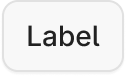 |
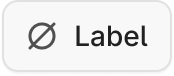 |
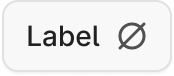 |
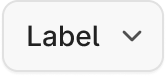 |
 |
| pressed |  |
 |
 |
 |
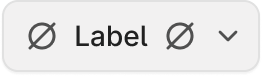 |
| focus | 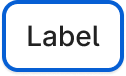 |
 |
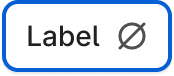 |
 |
 |
Button-primary-invisible
| rest |  |
 |
 |
 |
 |
| hover |  |
 |
 |
 |
 |
| pressed |  |
 |
 |
 |
 |
| focus |  |
 |
 |
 |
 |
Button-secondary-invisible
| rest |  |
 |
 |
 |
 |
| hover |  |
 |
 |
 |
 |
| pressed |  |
 |
 |
 |
 |
| focus |  |
 |
 |
 |
 |
Button-positive
| rest |  |
 |
 |
 |
 |
| hover |  |
 |
 |
 |
 |
| pressed |  |
 |
 |
 |
 |
| focus | 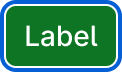 |
 |
 |
 |
 |
Button-negative
| rest |  |
 |
 |
 |
 |
| hover |  |
 |
 |
 |
 |
| pressed |  |
 |
 |
 |
 |
| focus |  |
 |
 |
 |
 |
Button-disabled
 |
 |
 |
 |
 |
Component layer structure
content
  └ content-wrapper
    ├ leading-icon
    ├ Label
    └ trailing-icon
  └ trailing-action
ButtonIcon
| primary | secondary | primary-invisible | secondary-invisible | |
|---|---|---|---|---|
| rest |  |
 |
 |
 |
| hover |  |
 |
 |
 |
| pressed |  |
 |
 |
 |
| focus |  |
 |
 |
 |
RadioInput
| rest |  |
 |
| focus |  |
 |
| disabled |  |
 |
Component layer structure
dot
focus-outline
radio
Radio
| rest |  |
 |
| focus |  |
 |
| disabled |  |
 |
Component layer structure
radio-wrapper
    └ RadioInput
label-wrapper
    ├ Label
    └ Caption
Research & insights
In this project, the users were internal designers and engineers.
What we observed
Designers spent weeks rebuilding basic UI instead of focusing on user problems.
Engineers received inconsistent patterns from different teams and had to normalize them in code.
Lack of shared vocabulary made product-level UI decisions harder to discuss.
Resulting principles
- Simplicity
- fewer custom one-offs, more reusable building blocks.
- Consistency
- the same pattern behaves the same way everywhere.
- Control
- the design system team guides, not blocks, with transparent evolution paths.
Designing Orville
Internal user flows
I mapped system usage flows for key roles.
This positioned Orville as a product inside the company, not just a component library.
Designer
- discover component
- understand guidelines
- assemble flow from existing blocks
- raise a contribution when something is missing
Engineer
- find implementation
- inspect prop API and states in Storybook
- implement without manually translating from Figma
Product / PO
- understand system capabilities and constraints without diving into Figma or code
UI foundations & library
Visually, Orville was built on:
- A neutral but flexible color language based on perceptual models (CAM02), robust to different contexts and lighting.
- A 380+ icon set derived from Tabler, extended for airline and B2B use cases.
- Data-heavy UI patterns: charts, tables, and graphs with accessibility constraints baked in.
- Each component was designed as part of a system, not as a one-off screen element.
Adoption & impact
Rolling out the system
We treated Orville's adoption as a product launch:
- Regular enablement sessions and workshops with product teams.
- Slack-based support and “office hours” for design-system questions.
- Usage tracking across the React codebase and Figma libraries.
Core components React library adoption
We didn't just build it and hope people would use it. We ran workshops. We answered questions in Slack. We tracked usage.
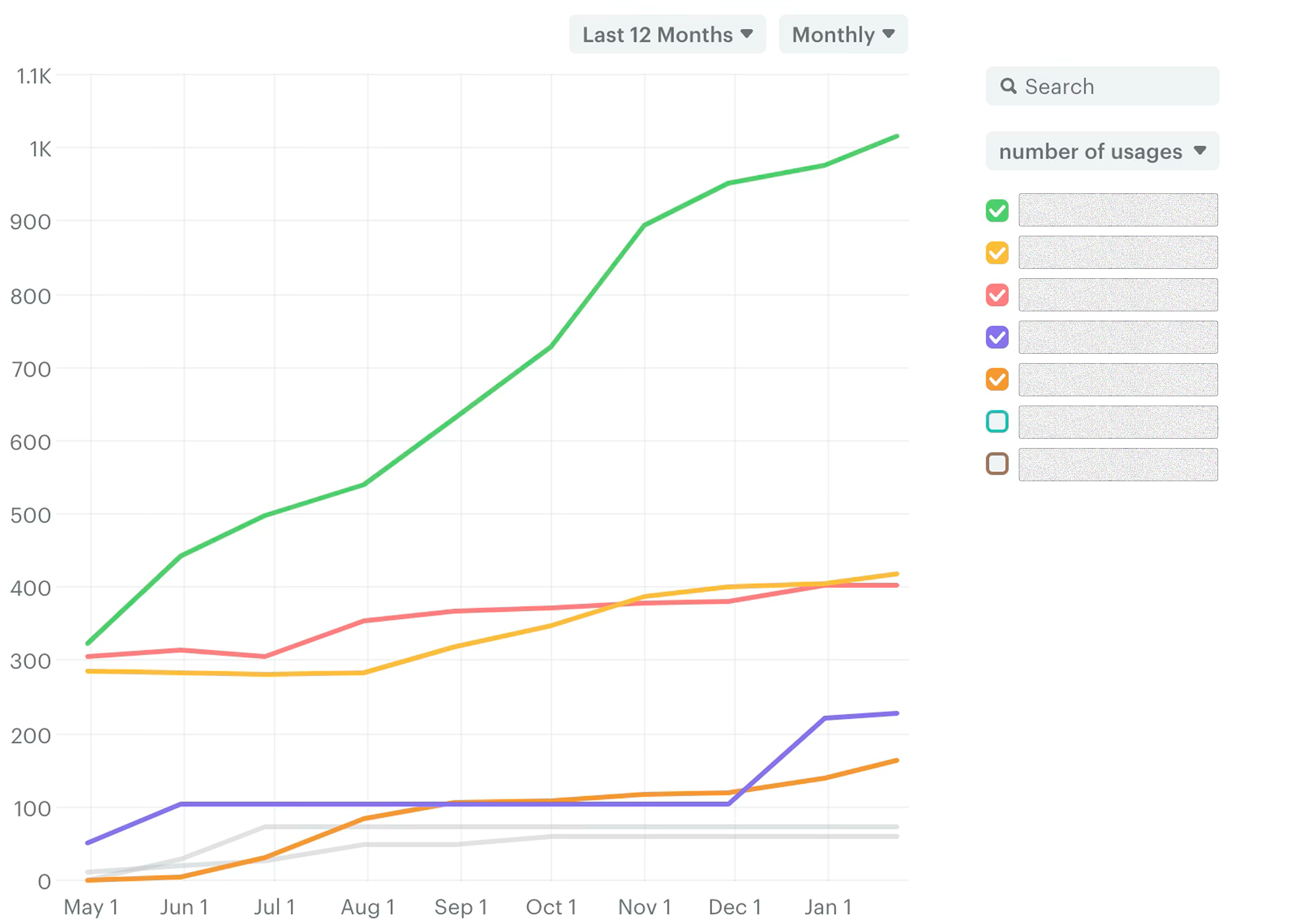
- 100%
- Total code components
- ~2k
- React component usage gains
Figma libraries adoption
Figma components adoption succeeded through targeted workshops and learning sessions. Components remain one of the key building blocks that designers can influence through the proper contribution process. Documentation keeps everything connected and accessible.
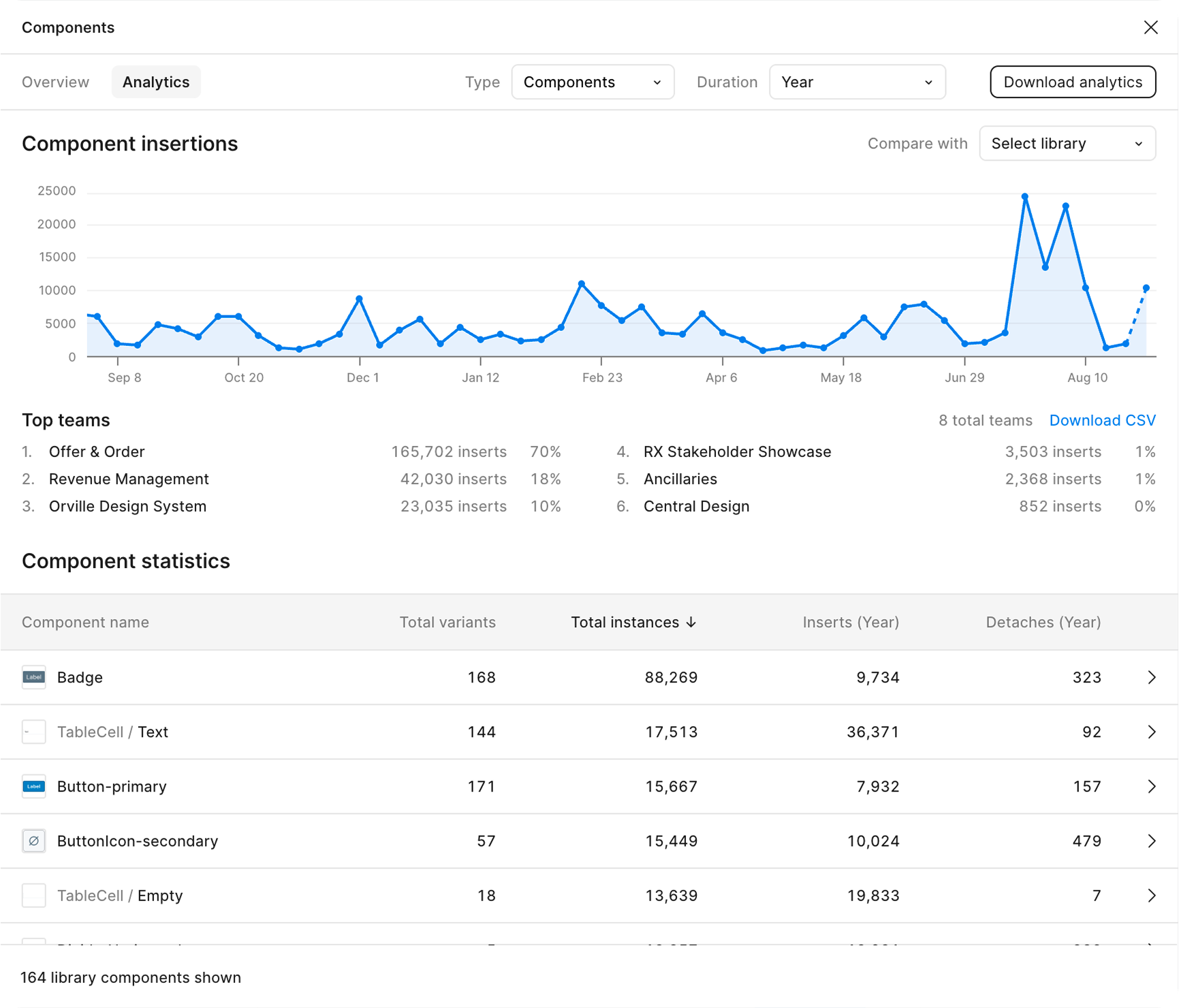
- 13
- Used by teams
- 96.6%
- Figma components inserts
Icons and Styles stats
ODS Team results
The system received a dedicated budget and an additional designer; by July 2025, every new FLYR product was built on Orville.
- +1
- Designer hired
- $
- Budget allocated
The Riyadh Air challenge
In 2024, FLYR needed to prove it could be not just a pricing engine but a full retail platform for airlines. Riyadh Air required:
- A modern, intuitive booking experience that could compete with the best airline websites.
- Fast time-to-market to support a strategic partnership announcement and a $295M funding round.
- Shopping cart and order management.
- Seat selection, ancillaries, and payment.
- A modular architecture that could later be reused for other airlines.
Without a shared UI foundation, this would have taken 18+ months. We had 12. We shipped in 6.
My role
I coordinated a small cross-functional team (designer + 2 front-end engineers) to ensure:
- Feature priorities aligned with pilot business goals.
- Visual language and patterns stayed consistent across flows.
- We maximized reuse of Orville instead of building a client-specific micro-system.
We assembled key booking patterns – Shopping Cart, Product Catalog, Ancillary Selector, Order Search – entirely from existing Orville components. No net-new primitives were required; everything came from composition.
Business outcome
- Full search → seat selection → cart → payment booking flow in 6 months.
- Launch of a strategic partnership with Riyadh Air, publicly positioned as a digital-first airline.
- A $295M funding round where the digital experience played a key role in telling FLYR's platform story.
Outcomes
What changed with Orville
- Teams moved from "how do we build this UI?" to "which Orville components do we use here?".
- Time-to-market for new features decreased thanks to reusable patterns instead of bespoke UI.
- The FLYR product suite gained a unified visual language that scales across new domains and customer scenarios.
Survey results
We ran surveys with designers and developers twice a year. Latest results:
- 95.5%
- Designer sentiment
- 87.5%
- Engineer sentiment
Lessons learned
- Start small. It is better to ship 20 well-chosen components that solve real problems than to chase 200 abstract ones.
- Get buy-in early. Leadership needs to see value quickly: metrics, speed, and support for key deals.
- Treat adoption as a product. A design system only works when there is enablement, support, and clear processes.
- Documentation beats perfection. A “good enough” but well-documented component outperforms a perfect one no one can use.
- Design systems drive deals. We weren't selling “50 components”; we were selling faster product delivery and the ability to win partnerships like Riyadh Air.
In press
Travel Startup Flyr Raises $295 Million in Equity and Debt.
We will be at the forefront of innovation when it comes to booking travel experiences.
Riyadh Air will be the world's first digitally native airline.
Together, Riyadh Air and FLYR are transforming the passenger experience with shopping cart capabilities for passengers at every touch point.
Offer & Order: Built Right. Designed to Deliver.